54 BIOS Setup
B.1 Main
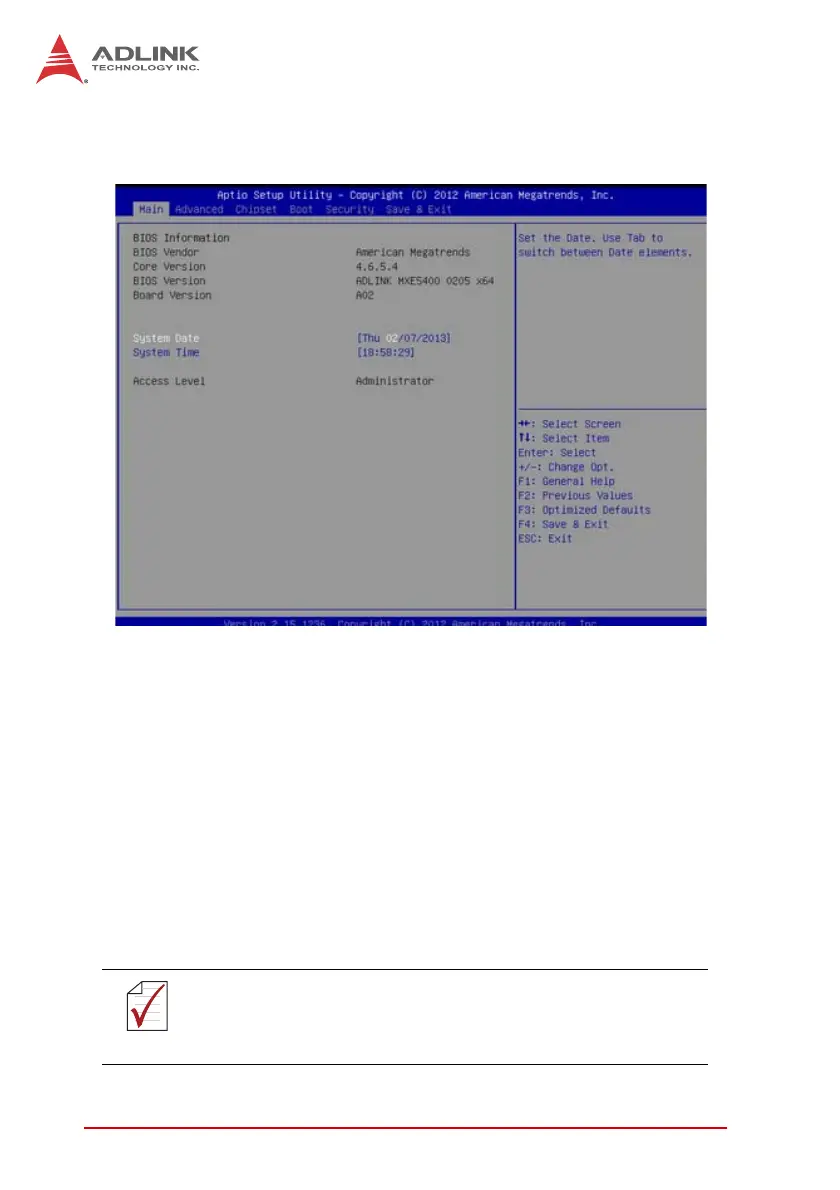
B.1.1 BIOS Information
Shows current system BIOS core version, BIOS version and
Board version.
B.1.2 System Time/System Date
Changes system time and date. Highlight System Time or System
Date using the up or down <Arrow> keys. Enter new values using
the keyboard then <Enter>. Use < Tab > to move between fields.
The date must be entered in MM/DD/YY format. The time is
entered in HH:MM:SS format.
NOTE:
NOTE:
The time is in 24-hour format, for example, 5:30 A.M. appears
as 05:30:00, and 5:30 P.M. as 17:30:00.



 To Next Page