Getting Started 27
MXE-5400
2 Getting Started
This chapter discusses installation of hard disk drive, mini-PCIe
module, mSATA, and CFast card. In addition to connection and
use of DIO and COM ports, wall-mount installation is also
described.
2.1 Installing Hard Disk Drives
The MXE-5400 provides two SATA connectors for installation of
one hard disk drive each.
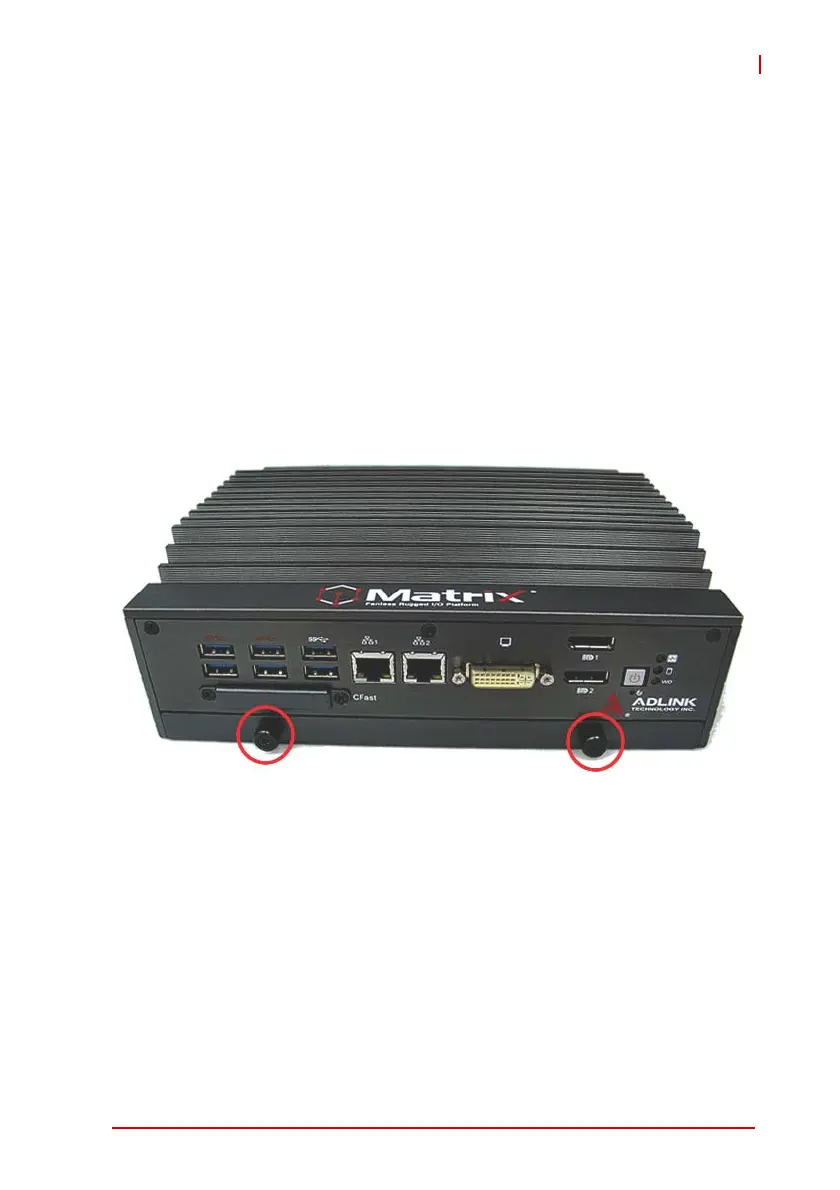
1. Remove the thumbscrews on the front panel by hand or
screwdriver.
2. Withdraw the thumbscrews and remove the bottom
cover by pulling and lifting.



 To Next Page