Getting Started 31
MXE-5400
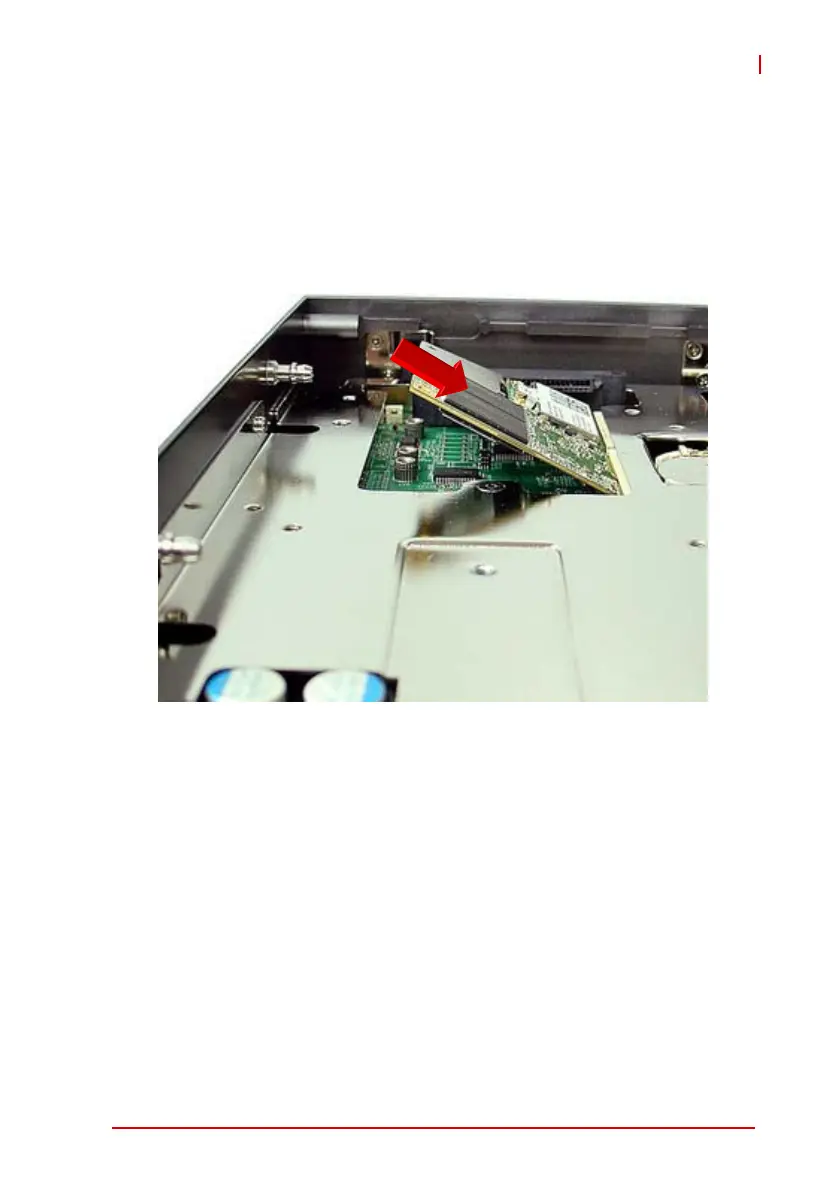
2.2 Installing a Mini-PCIe Device
The MXE-5400 provides two mini-PCIe slots supporting mini-PCIe
wireless modules and mSATA devices.
1. Remove bottom cover as detailed previously.
2. Insert the mini-PCIE wireless module into the slot at an
angle.
3. Depress the mini-PCIe wireless module into place and
use the 2 M2.5-P-head-L5 screws to fix the module.



 To Next Page