ADOBE PREMIERE PRO 2.0
User Guide
11
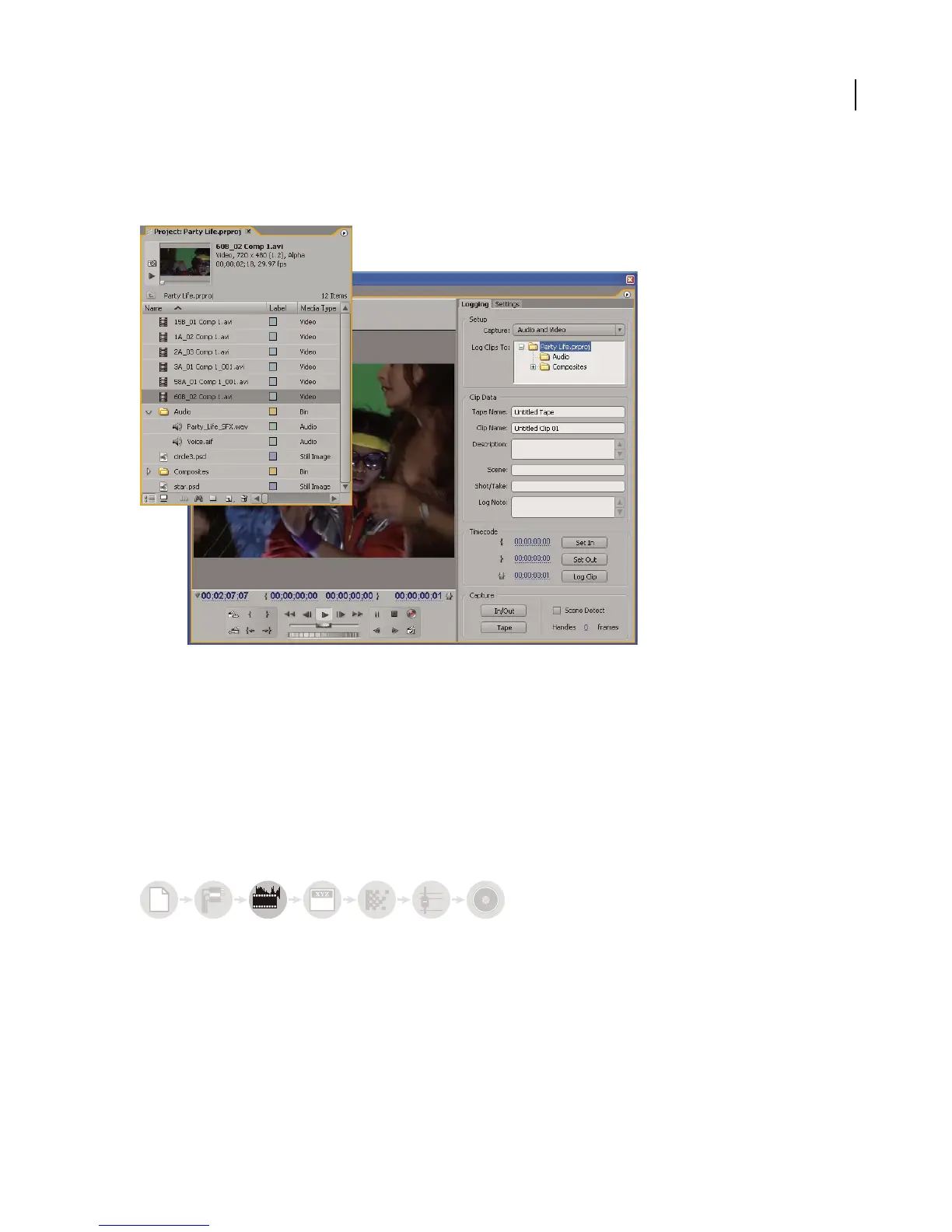
Using the Capture panel, transfer footage directly from a DV camera or deck. With the proper hardware, you can
digitize and capture other formats, from VHS to HDV. Each file you capture to your hard disk automatically becomes
a clip in your project.
Project panel and Capture panel
Using the Project panel, you can import a variety of digital media, including video, audio, and still images. Adobe
Premiere Pro also imports Adobe Illustrator
®
artwork or Adobe Photoshop
®
layered files, and translates Adobe After
Effects projects for a seamless, integrated workflow. You can create synthetic media, such as standard color bars,
color backgrounds, and a countdown. (See “About capturing, digitizing, and importing” on page 65.)
In the Project panel you can label, categorize, and group your footage into bins to keep a complex project organized.
Using the Project panel icon view, you can arrange clips in a storyboard fashion to visualize or quickly assemble a
sequence.
Assemble and refine a sequence
Using the Source Monitor, you can view clips, set edit points, and mark other important frames before adding clips
to a sequence. You can view audio as a detailed waveform and edit it with sample-based precision. (See “About the
Source and Program Monitors” on page 98.)
6
a
bcabc



 To Next Page