ADOBE PREMIERE PRO 2.0
User Guide
13
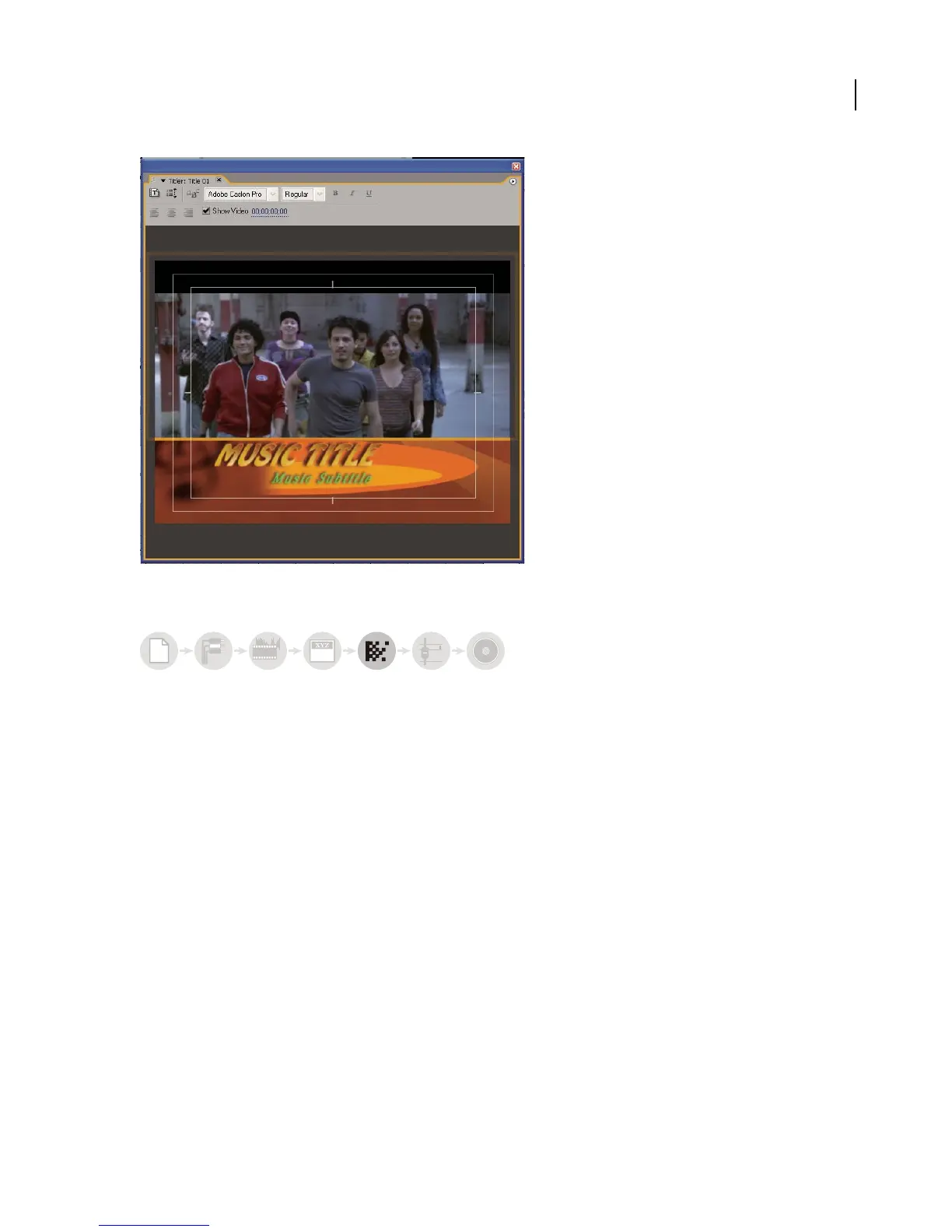
Titler
Add transitions and effects
The Effects panel includes an extensive list of transitions and effects you can apply to clips in a sequence. You can
adjust these effects, as well as a clip’s opacity and motion, using the Effect Controls panel.The Effect Controls panel
also lets you animate a clip’s properties using traditional keyframing techniques. As you adjust transitions, the Effect
Controls panel displays controls designed especially for that task. Alternatively, you can view and adjust transitions
and a clip’s effect keyframes in the Timeline panel. (See “About transitions” on page 163 and “Working with effects”
on page 250.)
a
bcabc
6



 To Next Page