ADOBE PREMIERE PRO 2.0
User Guide
19
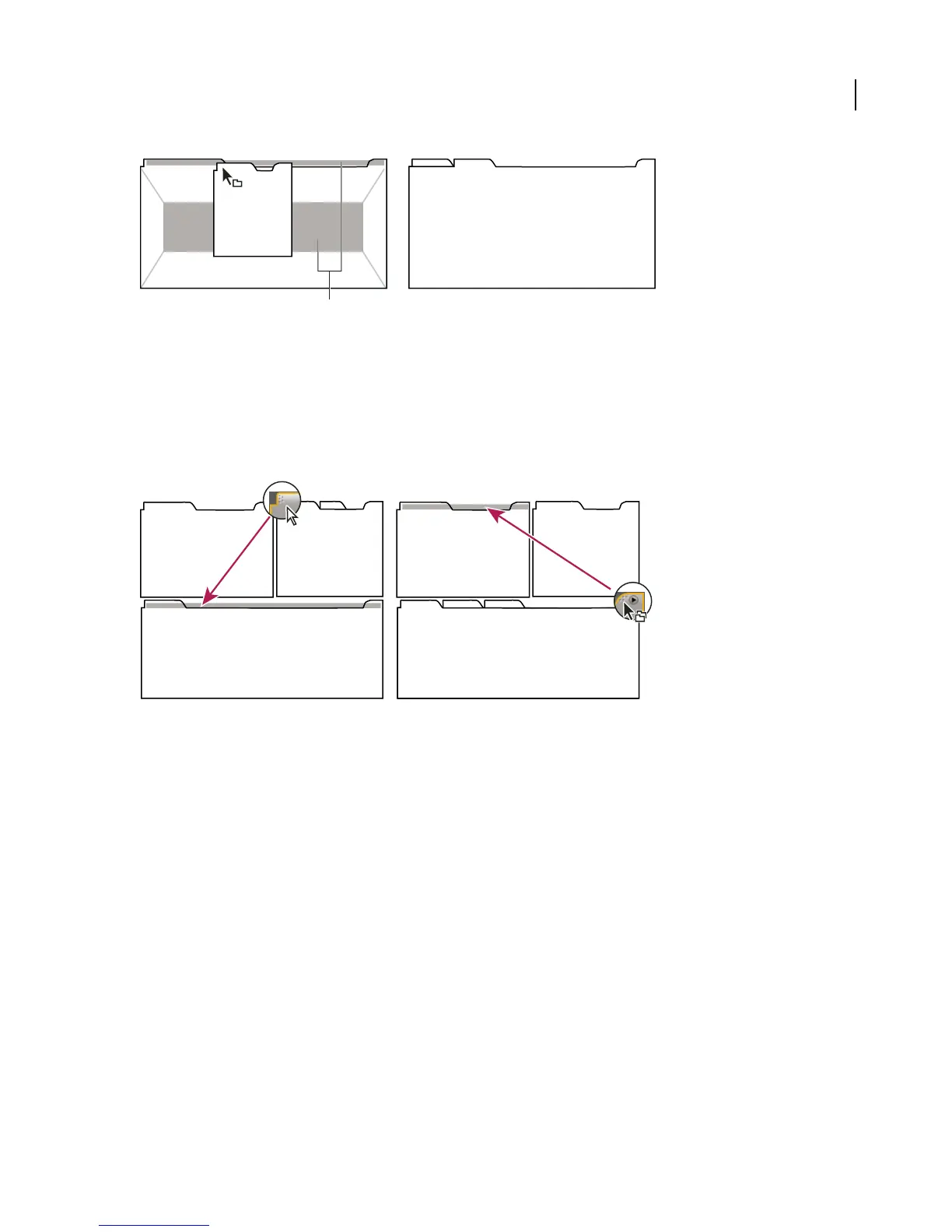
Dragging panel (A) onto grouping zone (B) to group it with existing panels (C)
To dock or group panels
You dock and group panels by dragging them onto drop zones. As you drag a panel over a drop zone, the zone
becomes highlighted to provide a visual reference for the drop.
Drag the gripper area in the upper left corner of a panel’s tab to move an individual panel. Drag the group gripper at
the upper right corner to move an entire group.
Dragging panel gripper (A) to move one panel; dragging group gripper (B) to move entire group
1 Selectthepanelyouwanttodockorgroupbyclickingitstab.Ifthepanelisnotvisible,chooseitfromtheWindow
menu to open it.
2 Drag the panel by its tab onto the desired drop zone. The application docks or groups the panel, according to the
type of drop zone.
See also
“Drop zones” on page 18
C
B
A
B
A



 To Next Page