20
• Depressing and holding the M button at any time for 2
seconds or if no button is pressed during a period of 2
minutes, the unit will revert to the Watch Time screen.
While the Watch Default Time screen (Main/home or Alt/
travel location) is being displayed, depressing the A and S
buttons simultaneously for 2 seconds will access the Set Date
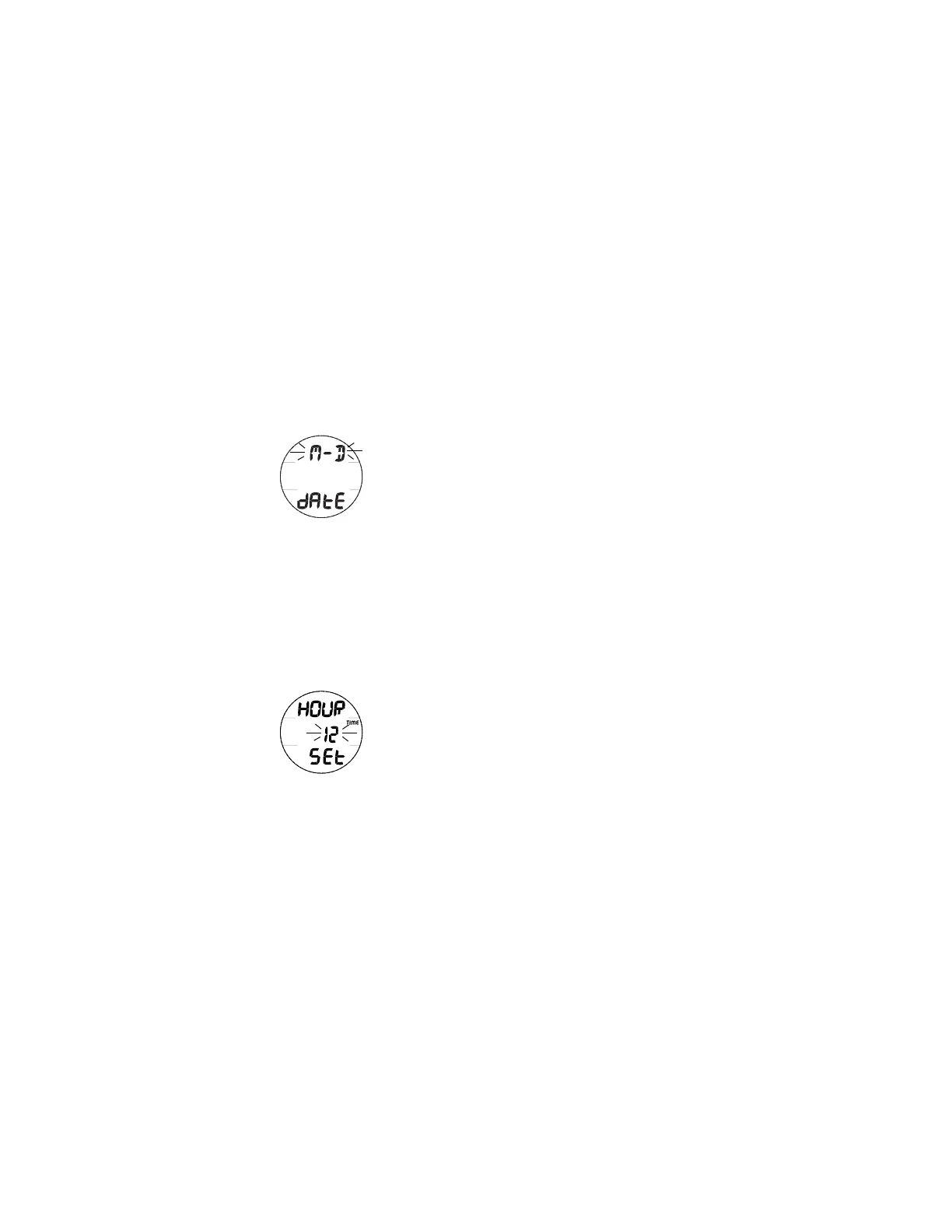
Format screen displaying the graphic dAtE and the Set Point
graphic M - D (or D - M) flashing (Fig. 7).
M = Month, D = Day
• Pressing and releasing the S button momentarily (< 2
seconds) will toggle between M - D and D - M.
• Pressing the A button momentarily (< 2 seconds) will save
the Set Point and access the Set Hour Format screen with
the Set Point 12 (or 24) flashing (Fig. 8).
• Pressing and releasing the S button momentarily (< 2
seconds) will toggle the setting between 12 and 24.
• Pressing the A button momentarily (< 2 seconds) will save
the Set Point and access the Set Time screen with the
Hour Set Point flashing.
• HINT: Pressing the A button repeatedly (< 2 seconds
each time) will step through the Time/Date Settings,
bypassing those that don't require setting.
Fig. 8 - SET HOUR
FORMAT
Fig. 7 - SET DATE
FORMAT



 To Next Page