21
Set Time
The AM (or PM) icon is displayed when Hour Format is set for
12 Hour.
• Pressing and releasing the S button momentarily (< 2
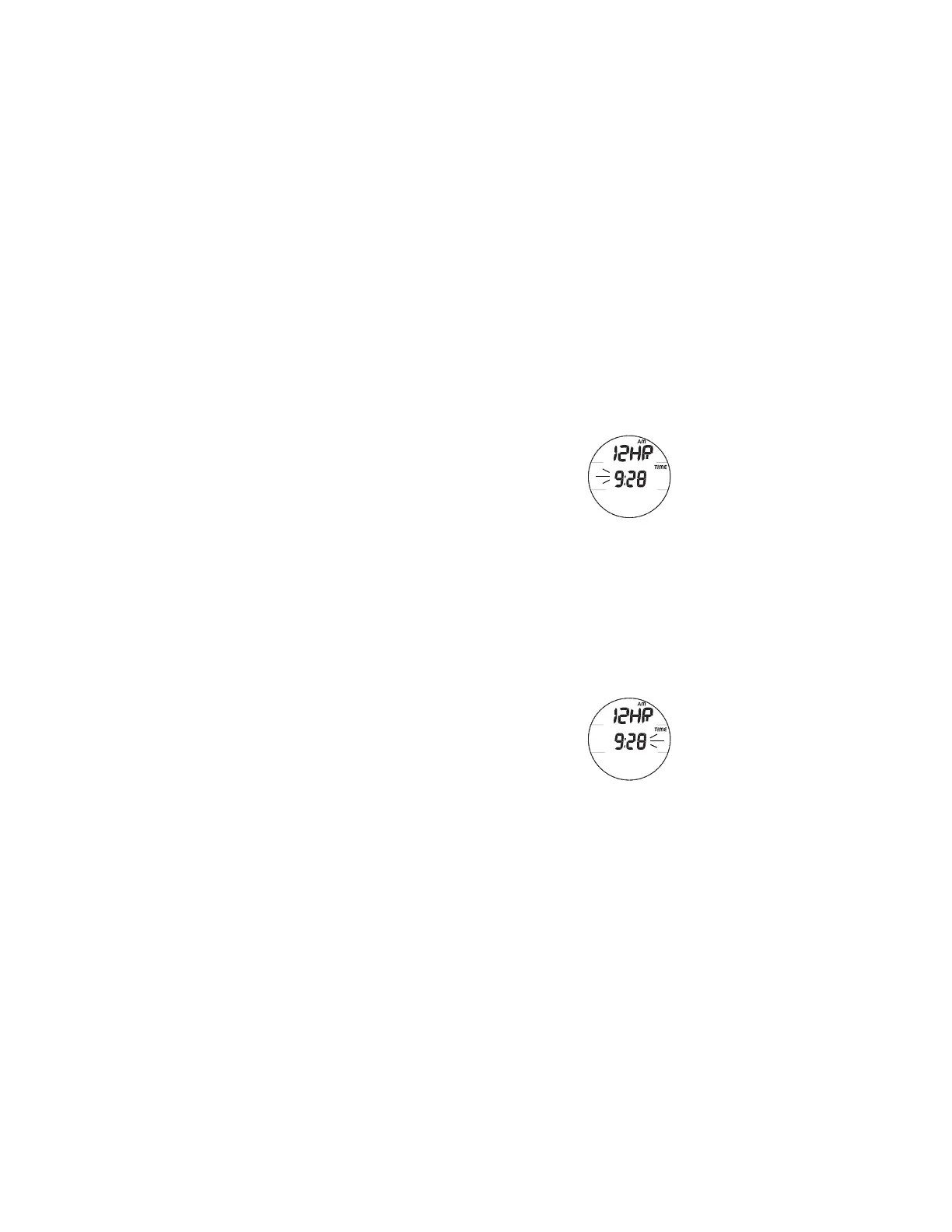
seconds) while the Hour Set Point is flashing (Fig. 9A)
will step upward through the Hour Set Points in 1 Hour
increments from 12: AM to 11: PM (or 0: to 23: if set for
24 Hour Format).
• Depressing and holding the S button while the Hour Set
Point is flashing will scroll upward through the Set Points
at a rate of 8 per second.
• Pressing and releasing the M button momentarily (< 2
seconds) will step back through the Set Points in 1 Hour
decrements.
• Pressing and releasing the A button momentarily (< 2
seconds) will save the Hour Set Point and/or advance to
Set Minutes with the Minute Set Point flashing.
• Pressing and releasing the S button momentarily (< 2
seconds) while the Minute Set Point is flashing (Fig. 9B)
will step upward through the Minute Set Points in 1
Minute increments from :00 to :59.
• Depressing and holding the S button while the Minute Set
Point is flashing will scroll upward through the Set Points
at a rate of 8 per second.
• Pressing and releasing the M button momentarily (< 2
seconds) will step back through the Set Points in 1 Hour
decrements.
Fig. 9B - SET MINUTES
Fig. 9A - SET HOUR



 To Next Page