22
• Pressing and releasing the A button momentarily (< 2
seconds) will save the Minute Set Point and/or advance
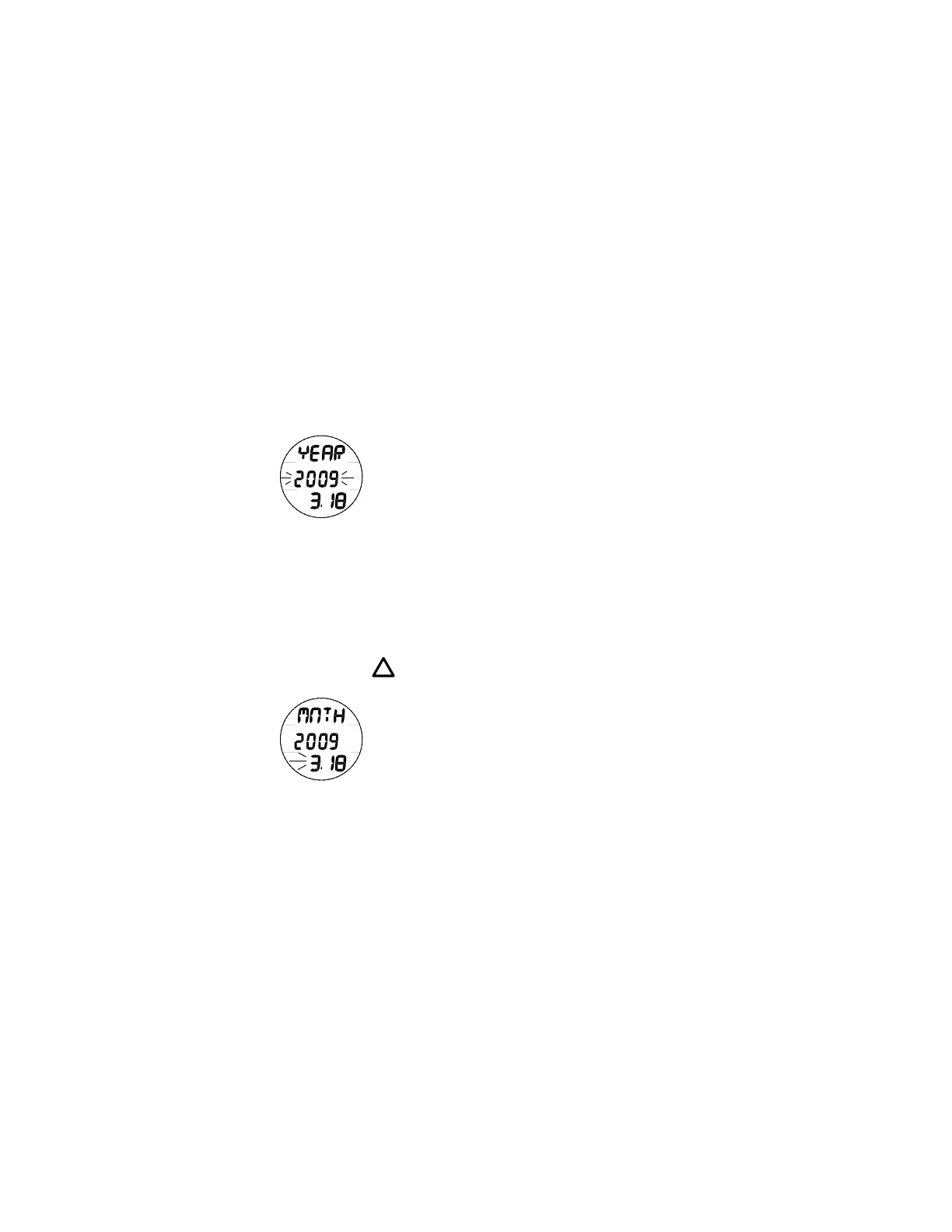
to the Set Date screen with the Year Set Point flashing.
• Pressing and releasing the S button momentarily (< 2
seconds) while the Year Set Point is flashing (Fig. 10) will
step upward through the Set Points in 1 Year increments
from 2009 to 2052 (with leap year corrections).
• Depressing and holding the S button while the Year Set
Point is flashing will scroll upward through the Set Points
at a rate of 8 per second.
• Pressing and releasing the M button momentarily (< 2
seconds) will step back through the Set Points in 1 Year
decrements.
• Pressing and releasing the A button momentarily (< 2
sec) will save the Year Set Point and/or advance to Set
Month with the Set Point flashing and the graphic MNTH.
NOTE: The Year will not be displayed in any
Mode other than Set Date. The Date will reset
to 1.1 2009 when the Battery is replaced.
• Pressing and releasing the S button momentarily (< 2
seconds) while the Month Set Point is flashing (Fig. 11)
will step upward through the Set Points in 1 Month
increments from 1 to 12.
• Depressing and holding the S button while the Month Set
Point is flashing will scroll upward through the Set Points
at a rate of 8 per second.
Fig. 11 - SET MONTH
Fig. 10 - SET YEAR



 To Next Page