Chapter 12 Common Configuration Examples
142 Aerohive
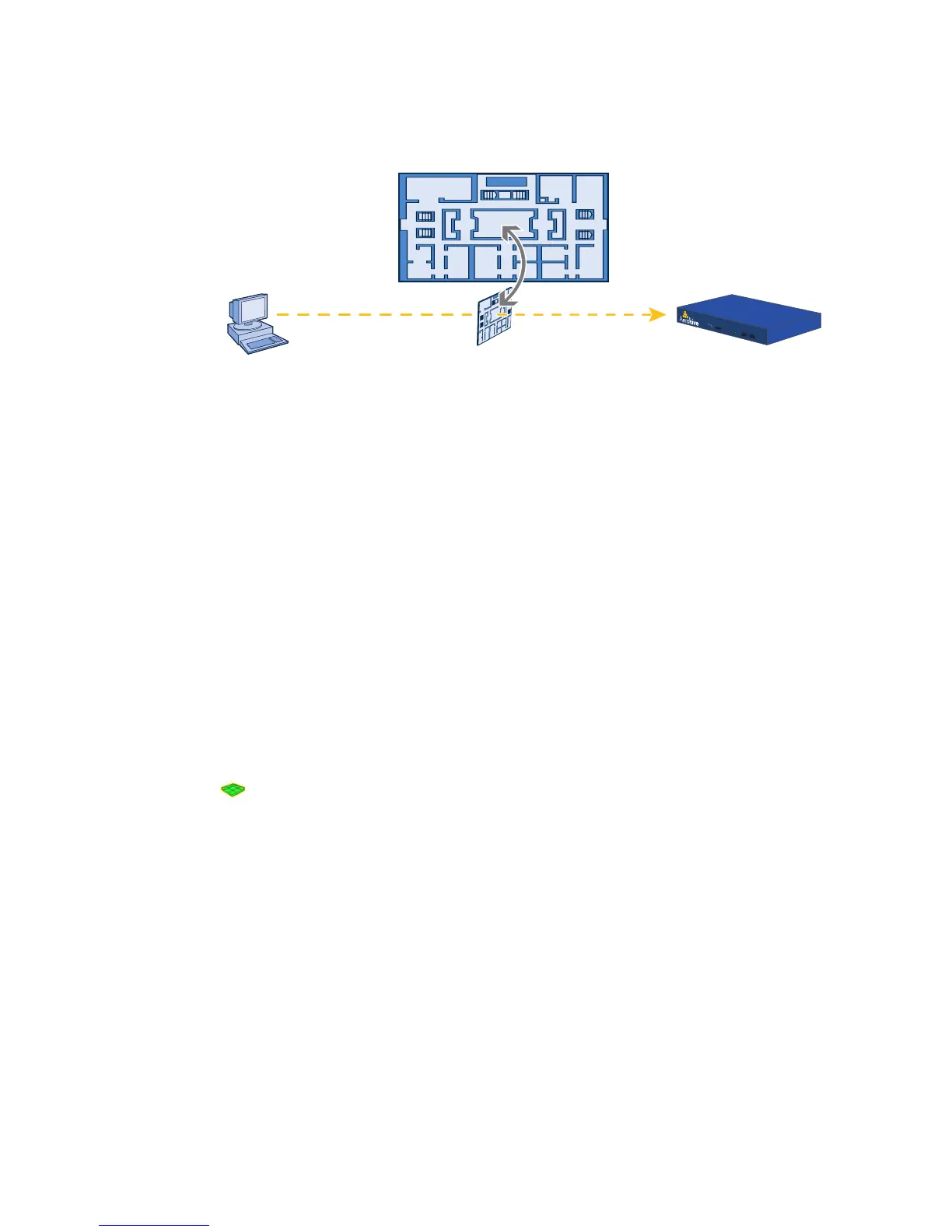
Figure 3 Uploading a map of a building floor plan
4. Repeat this for all the image files that you need to load, and then close the dialog box when done. For this
example, you load these 21 files:
• 8 maps for the eight floors in HQ-B1 (Headquarters Building 1)
• 8 maps for the eight floors in HQ-B2 (Headquarters Building 2)
• 4 maps for the four floors in Branch-1
• 1 file (named "corp_offices.png" in this example) that shows a picture of the three buildings
Naming and Arranging Maps within a Structure
1. Click To pol og y, right-click the top level map "CorpOffices", and then choose New from the pop-up menu that
appears.
2. In the New Map (Submap for CorpOffices) dialog box, enter the following, and then click Create:
Map Name: HQ-B1-F1
Map Icon: Floor
Environment: Because the environment is that of a typical office building, choose Office. The environment
assists in the prediction of signal strength and attenuation shown in the heat maps.
Background Image: Choose HQ-B1-F1.png from the drop-down list.
Map Width (optional): 120 feet (HiveManager automatically calculates map height using the aspect ratio of
the image.)
HiveAP Installation Height: 13 feet; a fairly standard ceiling height in offices
A floor icon ( ) labeled "HQ-B1-F1" appears on the CorpOffices image, and a new entry named "HQ-B1-F1"
appears nested under "CorpOffices" in the navigation tree.
3. Select the icon, and drag it to the location you want.
4. Click To pol og y, right-click the top level map "CorpOffices", and then choose New from the pop-up menu that
appears.
5. In the New Map (Submap for CorpOffices) dialog box, enter the following, and then click Create:
Map Name: HQ-B1-F2
Map Icon: Floor
Environment: Office
Background Image: Choose HQ-B1-F2.png from the drop-down list.
Map Width (optional): 120 feet
HiveAP Installation Height: 13 feet
A floor icon labeled "HQ-B1-F2" appears on the CorpOffices image, and a new entry named "HQ-B1-F2" appears
nested under "CorpOffices" in the navigation tree.
Management System HiveManager
Map showing one
of the floor plans
Uploading map to HiveManager



 To Next Page