Chapter 4 The HiveAP 340 Platform
64 Aerohive
4. Remove the ceiling tile next to the area where you want to mount the device.
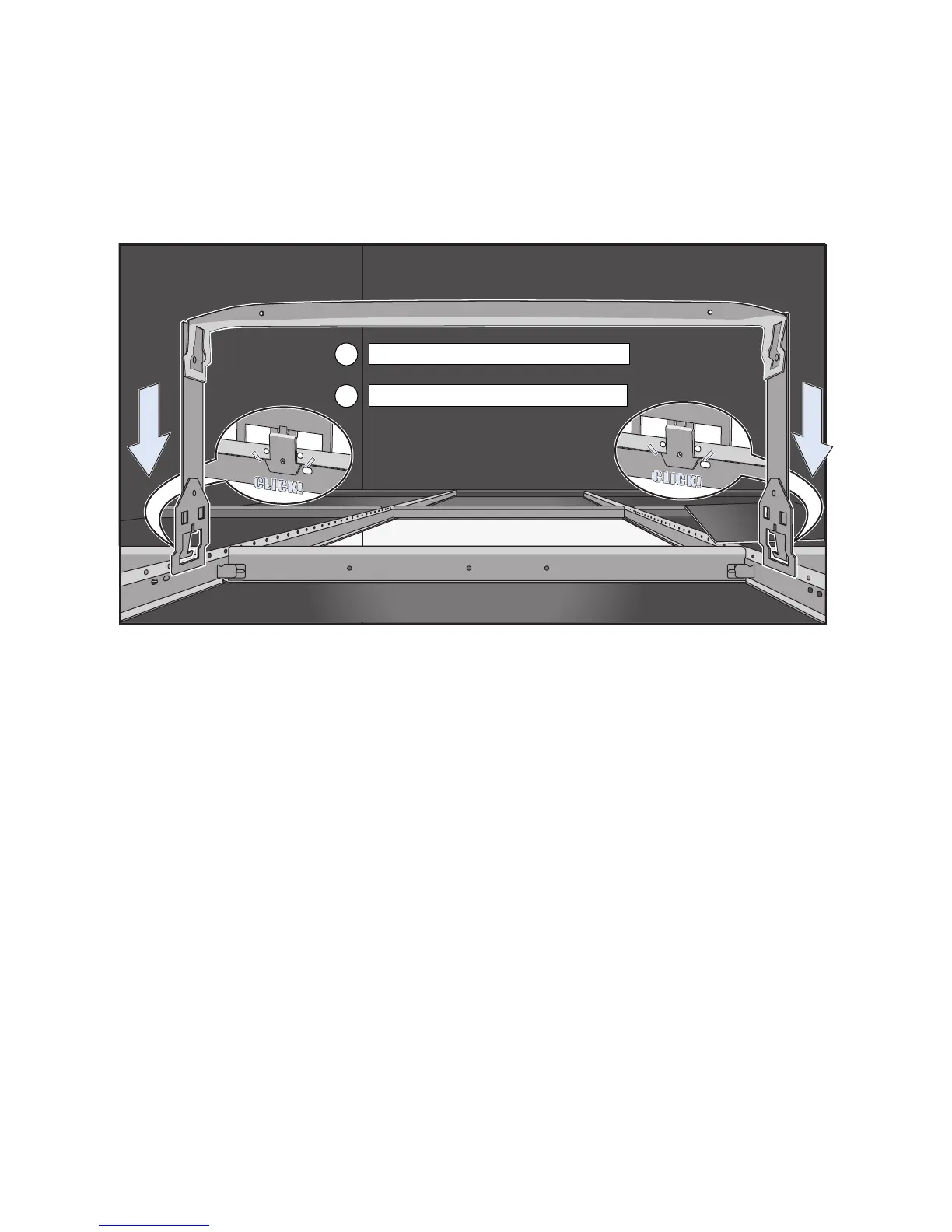
5. Press the hanger frame downward into place on the ceiling track until the claws on each leg grips the track
below the top ridge (see Figure 13).
Figure 13 Clipping the hanger frame onto the track
6. Insert the hanger clip upward through the center slot in the hanger frame, and then twist it counterclockwise
until the clip snaps into a locked position against the sides of the crossbar (see Figure 14 on page 65).
5
Remove the ceiling tile and enter the plenum.
4
Press the hanger frame onto the ceiling track.
Hanger Frame



 To Next Page