MND172201 P a g e | 22 Software Revision 1.4.1
5. Calibration
Connect to the ECU
The following section describes how to connect the App to THE
LEGEND S.A. Wi-Fi ECU
Power on the Legend S.A ECU.
Ensure that Wi-Fi is enabled on your tablet. For more
information on how to enable Wi-Fi on your tablet refer to
your tablets operating manual.
On the tablet App screen, tap THE LEGEND Wi-Fi App
icon.
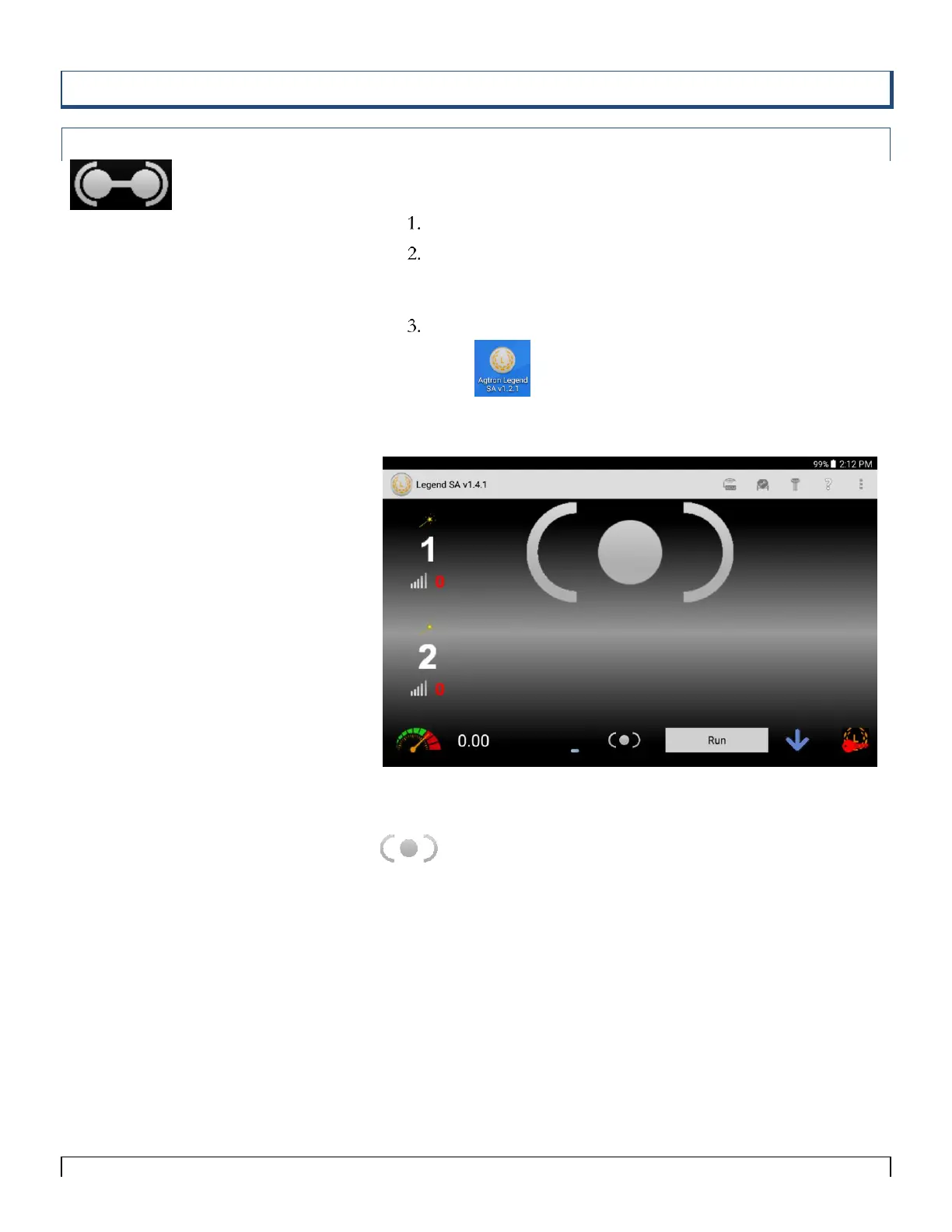
The following screen appears.
Figure 5-1
Means that the app has not yet connected to the ECU.
Connecting the ECU to the tablet is done in the Setup Wizard.



 To Next Page