MND172201 P a g e | 38 Software Revision 1.4.1
The active button can be switched to Ignore and all alarms
for that sensor will be shut off.
Sensors that have been deactivated will show as not
communicating.
Tap the Next button to go to the next sensor’s information
and Previous to go to the previous sensor’s information.
Tap Exit to leave the Sensor Diagnostics screen.
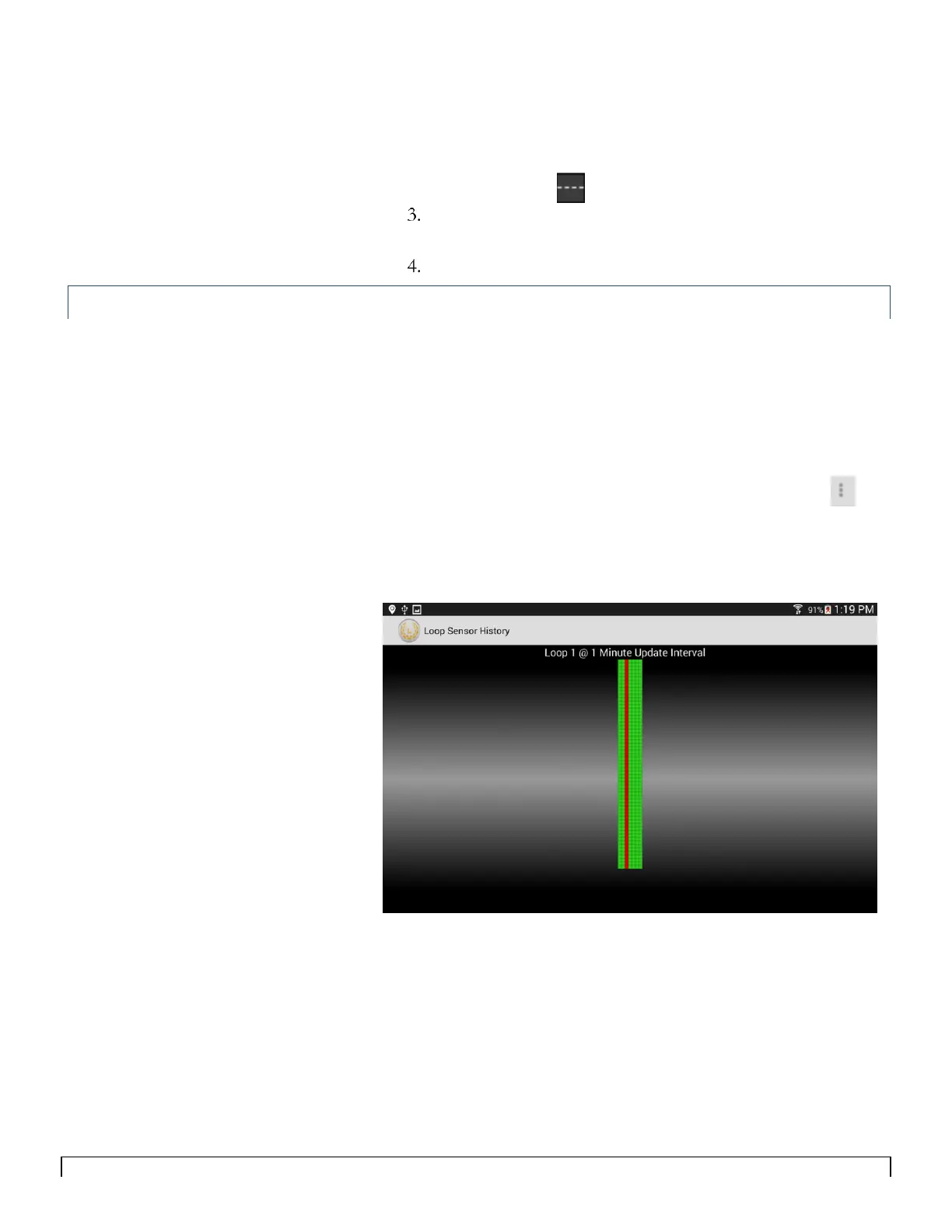
Loop 1 and Loop 2 History Screen
The Loop History screen displays the post status of each sensor in
one minute intervals. Each vertical column represents a sensor and
each horizontal row represents one minute interval. This screen can
be useful to determine persistent sensor errors and is especially
helpful when the implement is stationary, to check for blockages
(when all sensors go red on the main screen).
To access the Loop Sensor History screen tap the menu icon.
Figure 7-3 indicates sensor 3 is blocked and the rest are detecting
seed.
Figure 7-3



 To Next Page