MND172201 P a g e | 51 Software Revision 1.4.1
Troubleshooting Table
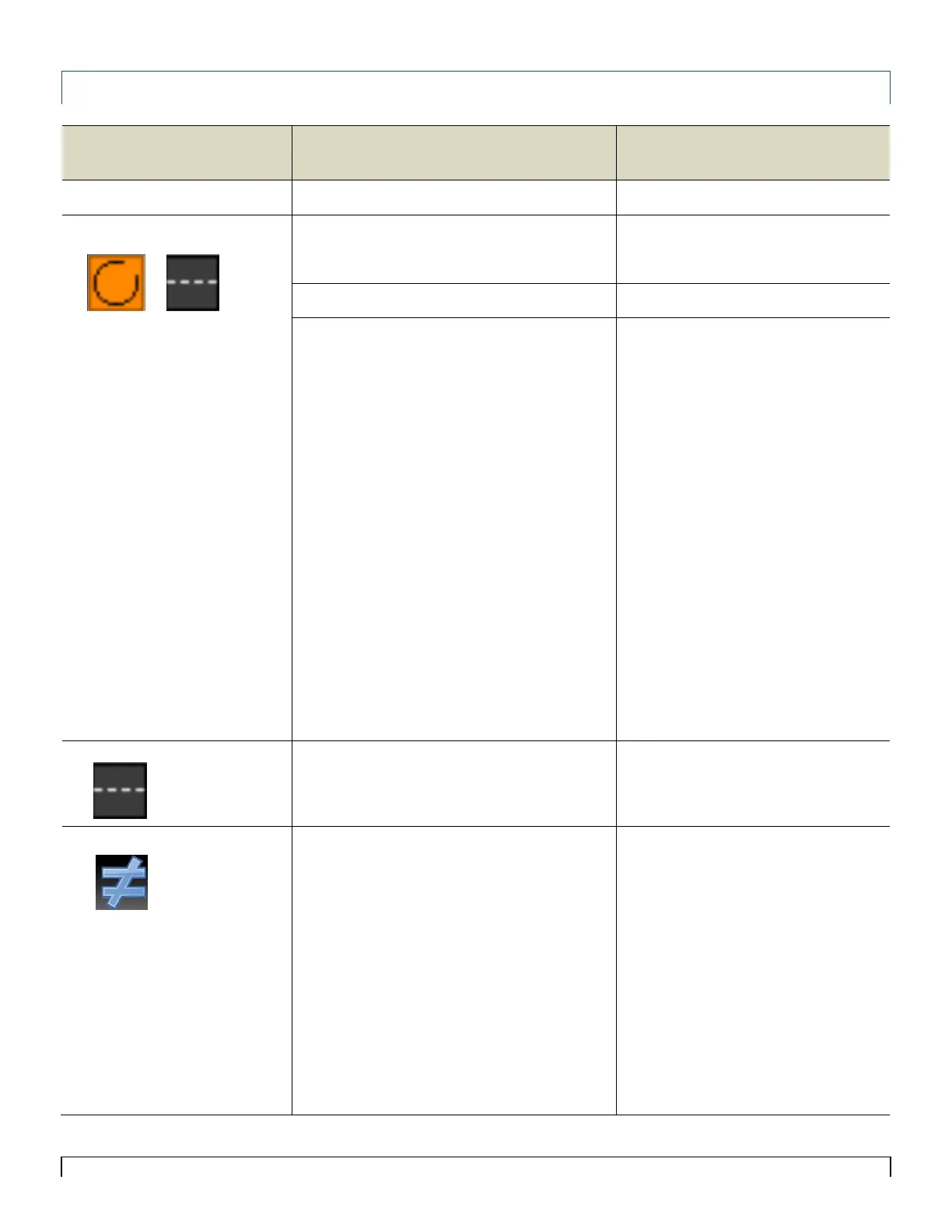
The loop indicated is turned off.
App not connected to ECU
To turn loop on, increase sensitivity >0.
Enter serial# and turn on Wi-Fi
App displays Comm Error 1 both ways
Check all the cables and connections.
…Bypass first and last sensor in the Loop
If the message is no longer displayed…
…replace first and last sensor.
If the problem persists…
If the message is no longer displayed…
If the problem persists…
If a Loop Comm Error occurs…
If the message is no longer displayed…
If the problem persists…
If the message is no longer displayed…
If the problem persists…
If the message is no longer displayed…
…Bypass Sensor Loop Cables Between
the Y-Cable and first and last sensor.
…replace the Sensor Loop Cables
between the Y-Cable and first and last
sensor.
…replace the Y-Cable.
Check cables and connections at location
shown on Sensor Diagnostic screen.
…Bypass the sensor # indicated.
…replace the sensor.
…Bypass the sensor before or after the #
indicated.
…replace the sensor
…Bypass Sensor Loop cable going to the
sensor.
…replace Sensor Loop Cable.
Sensor is showing not communicating…
Sensor has been deactivated, activate
sensor
The monitor is reading an incorrect number
of sensors.
Tap Not Equal make sure sensor count
matches what is installed if correct tap
Accept, if incorrect tap Ignore
…refer to above troubleshooting steps



 To Next Page