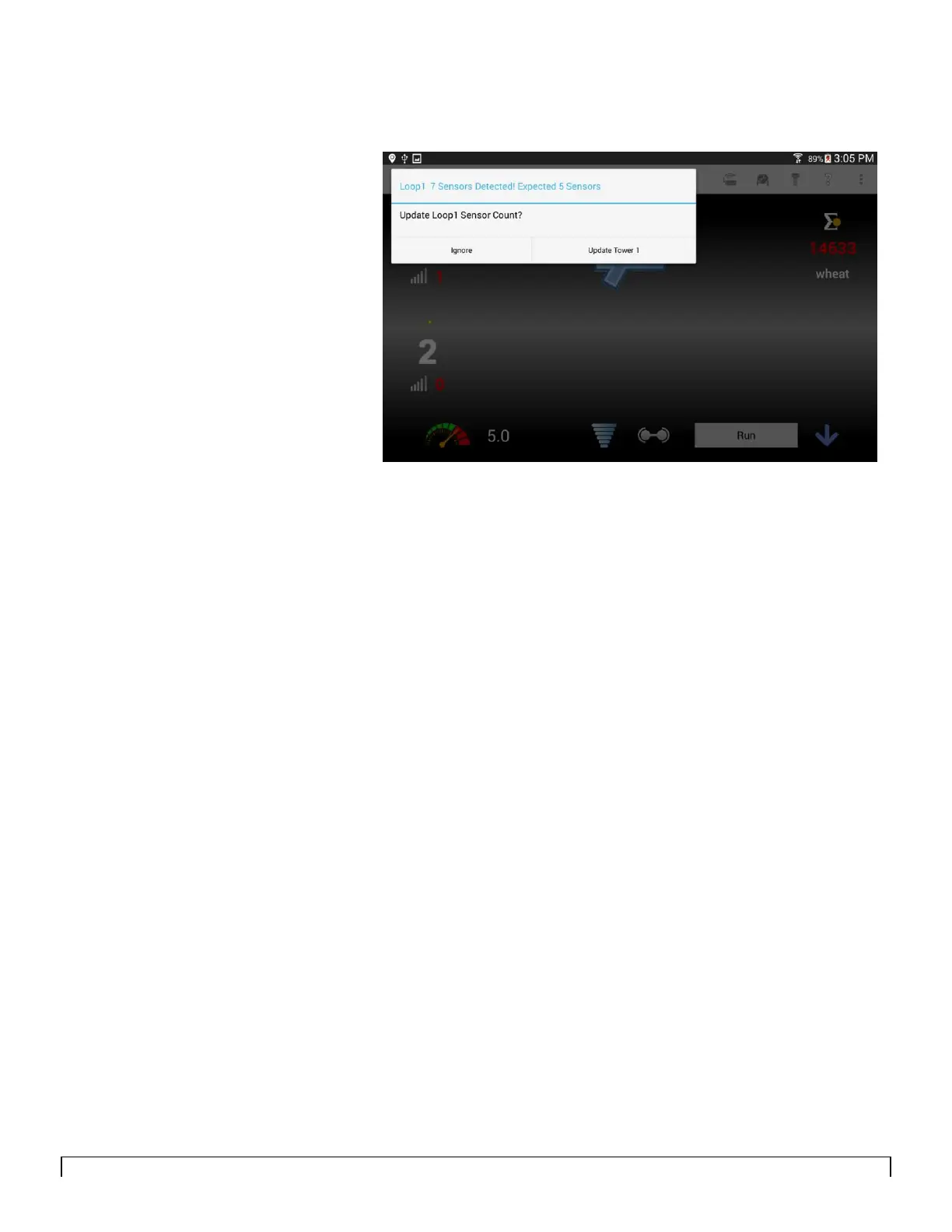
Note:
You can choose to update the tower of
sensors if the window indicates the correct
number of sensors installed, or ignore if
the window indicates the wrong number of
sensors installed.
Update automatically updates your total
number of sensors installed and the
Communication Error is no longer
displayed.
Ignore keeps displaying the wrong # of
sensors expected icon.



 To Next Page