MND172201 P a g e | 49 Software Revision 1.4.1
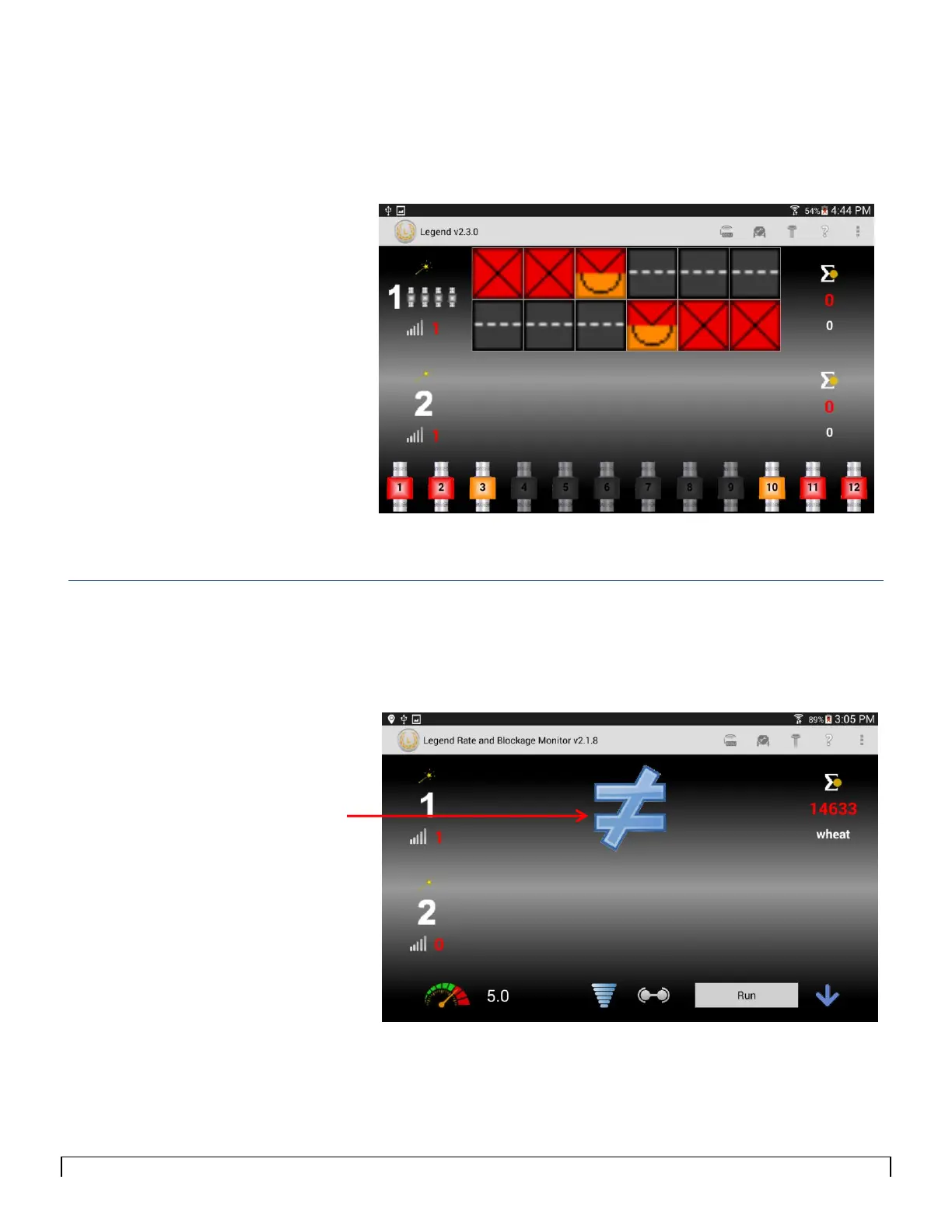
To find the location of the disconnected cables, tap anywhere on the
loop.
The sensors appear at the bottom of the screen, as shown in Figure
8-9.
Figure 8-9
Wrong Number of Sensors Expected
When the wrong number of sensors is detected by the system,
compared to what the user has entered, the Not Equal icon will
appear as shown in Figure 8-10.



 To Next Page