MND172201 P a g e | 29 Software Revision 1.4.1
Speed Cal
When a wheel speed sensor is used, Speed Cal is the circumference
of the wheel or shaft. When using a GPS or radar speed signal, Speed
Cal is the distance travelled per pulse. To set the Speed Cal value:
Tap the Speed Cal button.
The on-screen keyboard appears.
Enter a value (Default is 100.00)
GPS Settings Screen
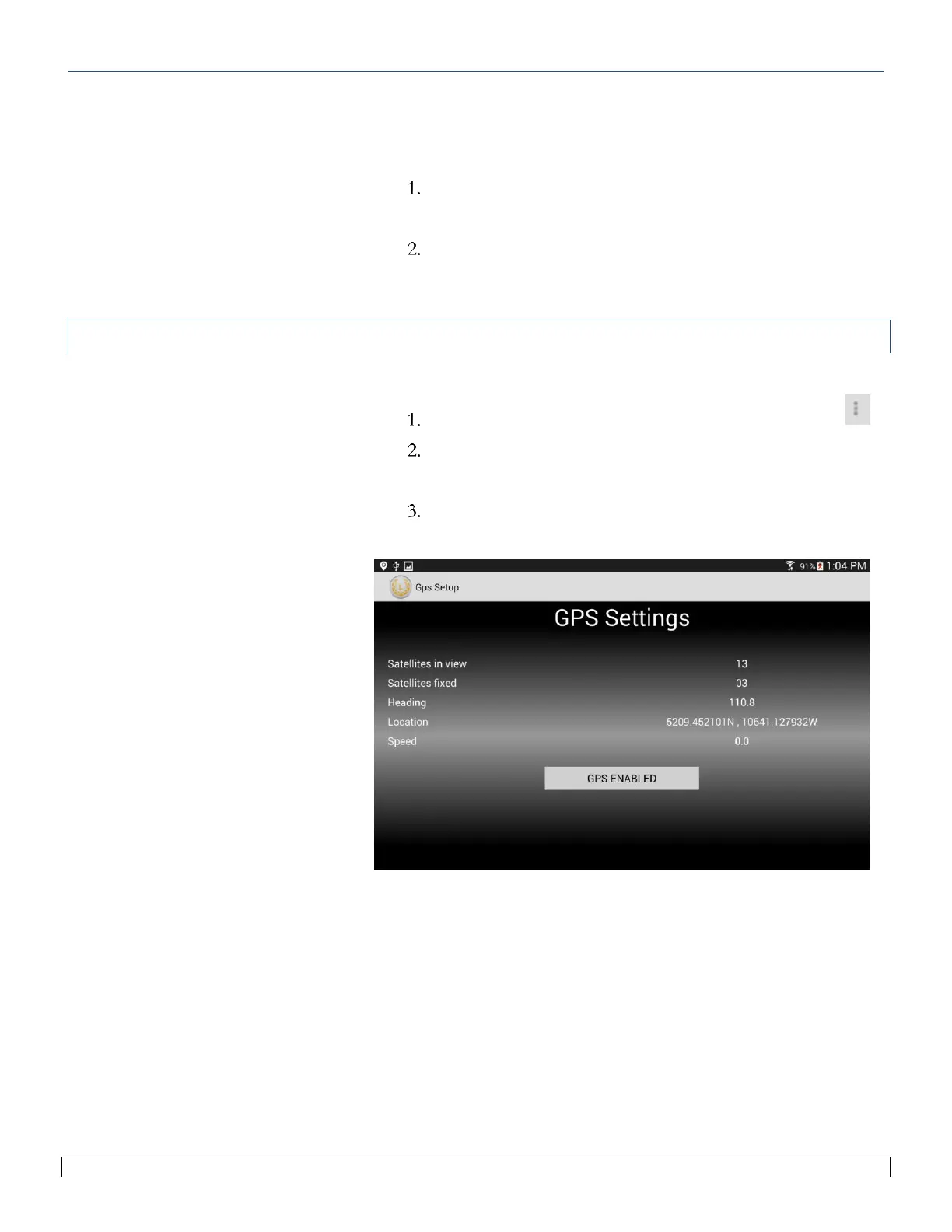
The GPS Settings scren allows you to use the tablet GPS for speed.
To access:
Select the menu icon in the top right of the main screen.
Select GPS Settings from the menu list.
The GPS Settings Screen will appear.
Tap the GPS Enable/Disable button to allow the system to
retrieve the GPS signal from the tablet.
Tips:
To set up GPS on your phone/tablet
refer to your phone/tablet manual.
When using GPS as a speed source
make sure Seeder Test Speed is set
to zero.
You must have a speed in order
to set Rate.
Some tablets provide more reliable
GPS information than others.



 To Next Page