MND172201 P a g e | 52 Software Revision 1.4.1
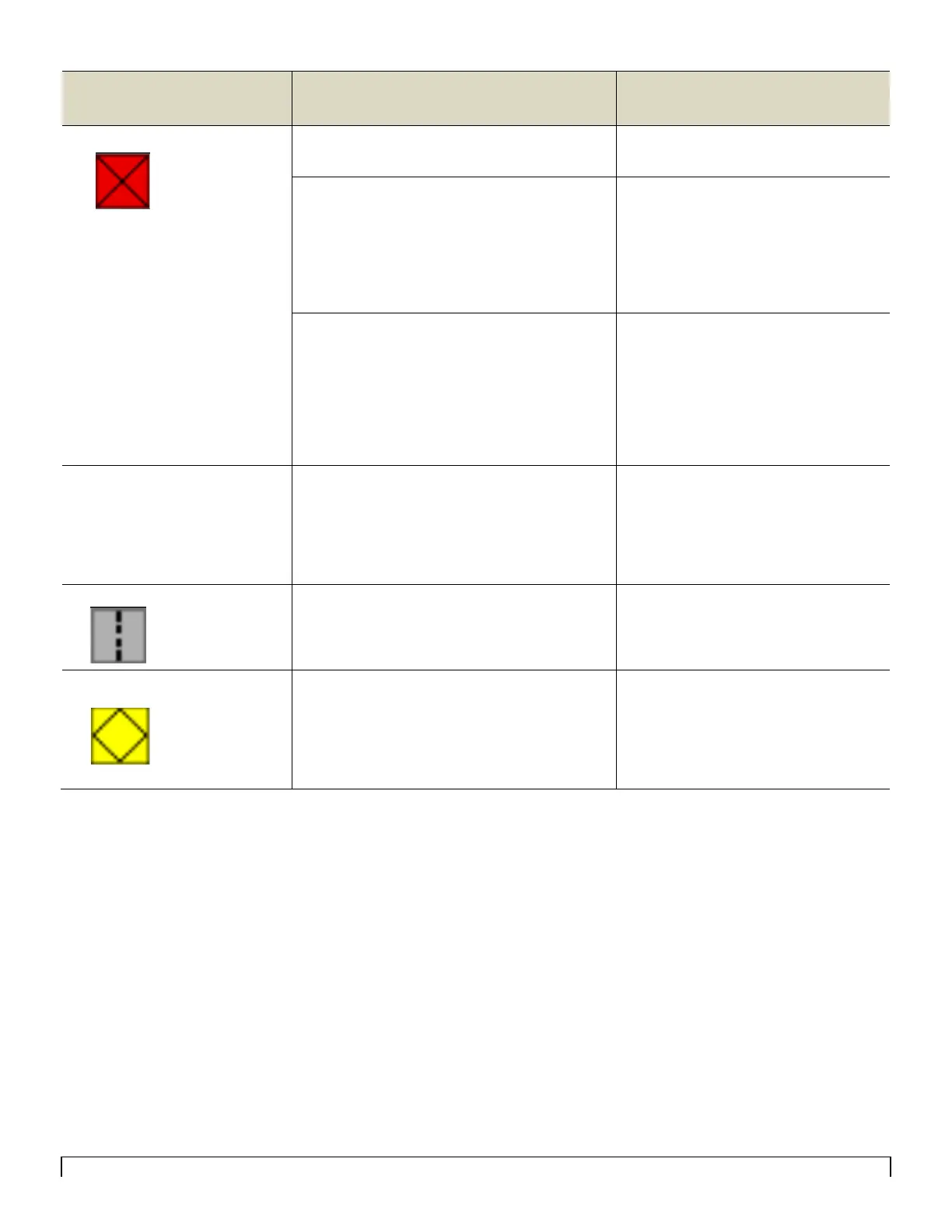
The sensor indicated is blocked.
Clean blockage from indicated run.
If the indicated run is not blocked…
…verify the Sensitivity is not set too
high.
Check inside the distribution towers for
any foreign material. This may cause
blockages to move from sensor to
sensor.
If it is always the same sensor giving the blocked
message…
If blocked message moves with the sensor…
Intermittent Blockage Alarms
…trade that sensor with one in another
position.
…replace that sensor
Check history screen for frequency and
adjust sensitivity as needed
Displays ERROR alarms when
one loop is disabled, but no
alarms when both loops
enabled
Typically this means that loops are all
connected but cables are crossed either
going to sensor 1 or coming back from the
last sensor.
Trace sensor cables from the main wiring
harness to the first and last sensor of
one loop.
Re-connect the cables correctly.
The sensor indicated is dirty
If sensor has been cleaned and is still giving the
clean message…
Clean the infrared optical eyes in the
sensor using a bottle brush or wet rag
…replace the sensor
The sensor indicated is constantly showing
High or Low Rate alarms…
If moves with the sensor…
…adjust the High or low rate alarms
further apart
…trade the sensor with one in another
position
…replace sensor



 To Next Page