MND172201 P a g e | 25 Software Revision 1.4.1
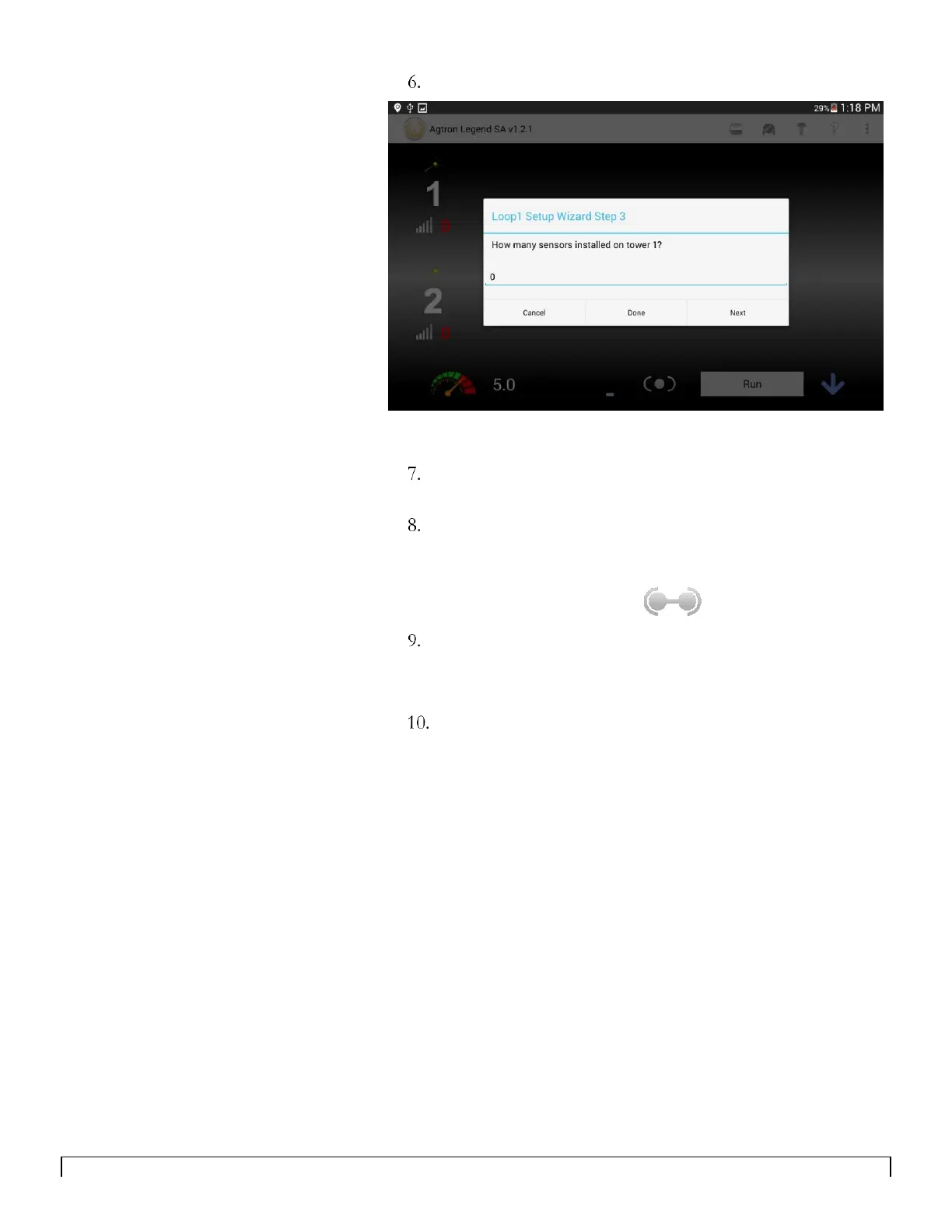
Enter the number of sensors on section 1 and tap Next.
Continue tapping Next and entering the number of sensors
for each section (up to ten sections).
Tap Done when you have entered the number of sensors for
the last section on your drill.
The app will return to the main screen and will show that it is
now connected to the ECU.
The final step is turning on the loop power. This is done by
turning the sensitivitity from 0 to 1.
All of the sensors will appear in your configuration on loop 1.
Repeat for loop 2 if needed.



 To Next Page