UG-MD16E-EN (V1.3-190708)
MD-16E
Mixer Reference manual
Chapter 1
MD-16E
Quick Start
Notice : This manual is applicable to MD-16E digital mixer of firmware version 1.3. The old
version is unable to support the full functions below, partial functions may have some difference.
Firmware of higher version may have the manual of corresponding new version, please acquire
the latest information in time via www.ai-mix.com website.
1.1. Registration and upgrade
Before using MD-16E digital mixer, please take some minutes to visit website www.ai-mix.com and
register your MD-16E mixer. After completing registration, you can :
You can also obtain the related application knowledge and technique, find
out video and other tools to help you easily and pleasantly use the MD -16E digital
mixer.
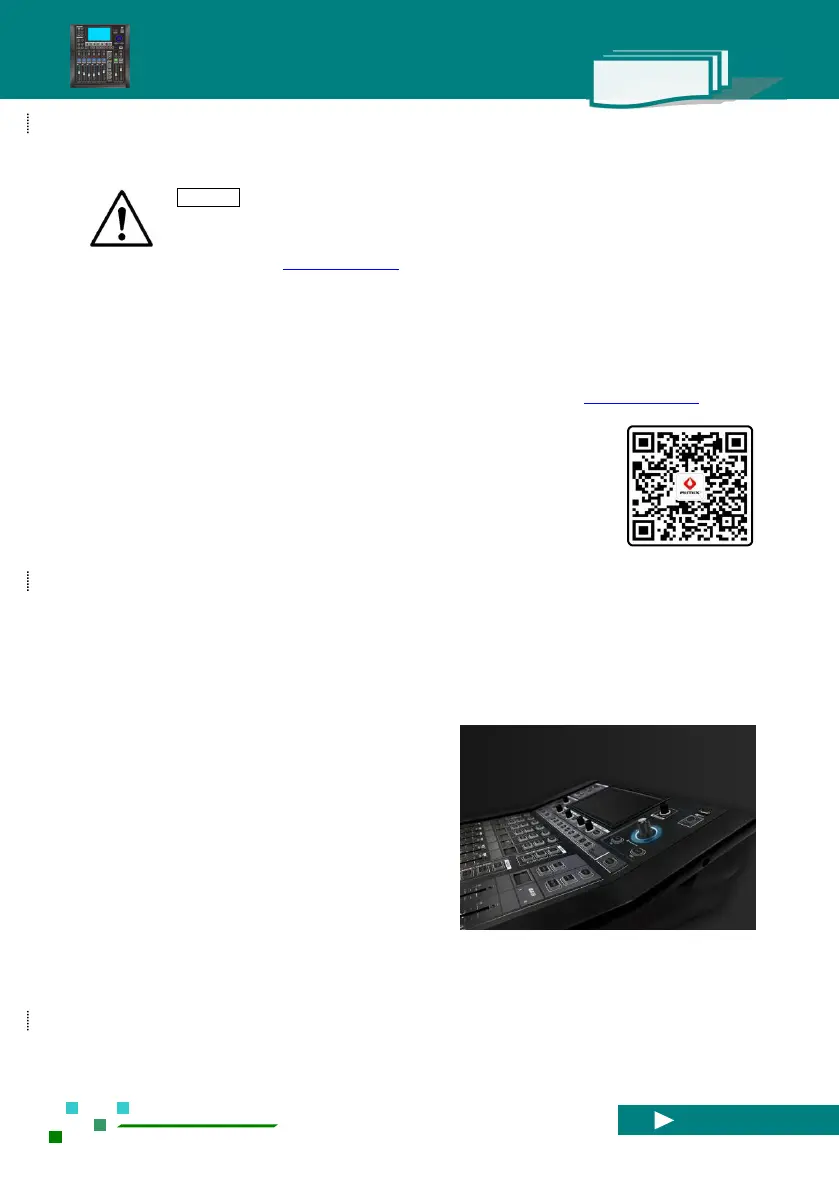
1.2. About the MD-16E mixer
MD-16E digital mixer provides you with professional, gliding and perfect performance. The simple and
powerful PRESET& SCENES function can easily save or recall optimized parameter configurations. From
now on, you can experience the professional tuning fun easily and contentedly.
Scan to follow WeChat public number
■ Download the latest available firmware version of MD -16E , install The latest
functions for your mixer , or optimize and upgrade the performance.
■ Timely receive the latest update notice.
■ Obtain the relevant member favorable convenience, understand about the latest
product pulse and the support you will probably obtain.
audio signals, including the top low distortion pre-amplifiers, professional-grade digital to analog/digital
converter at input and output ends.
Professional field tuners often require four-band
parametric frequency equalization ( PEQ ) , high-pass filter
( HPF ), compressor ( COMP ) and noise gate ( GATE ) on
each input. They often use more high-quality digital effect
processors at the same time. On the output channel, they
also need to conduct equalization, compressing and
time-delay operation, and also use the DCA and MUTE
grouping functions.
On the whole signal chain, the professional audio
engineer has an endless pursuance for high quality of



 To Next Page