UG-MD16E-EN (V1.3-190708)
MD-16E
Mixer Reference manual
The MD-16E digital mixer features a WIFI hotspot feature that makes it easy to remotely control
the mixer operation with an iPad tablet.
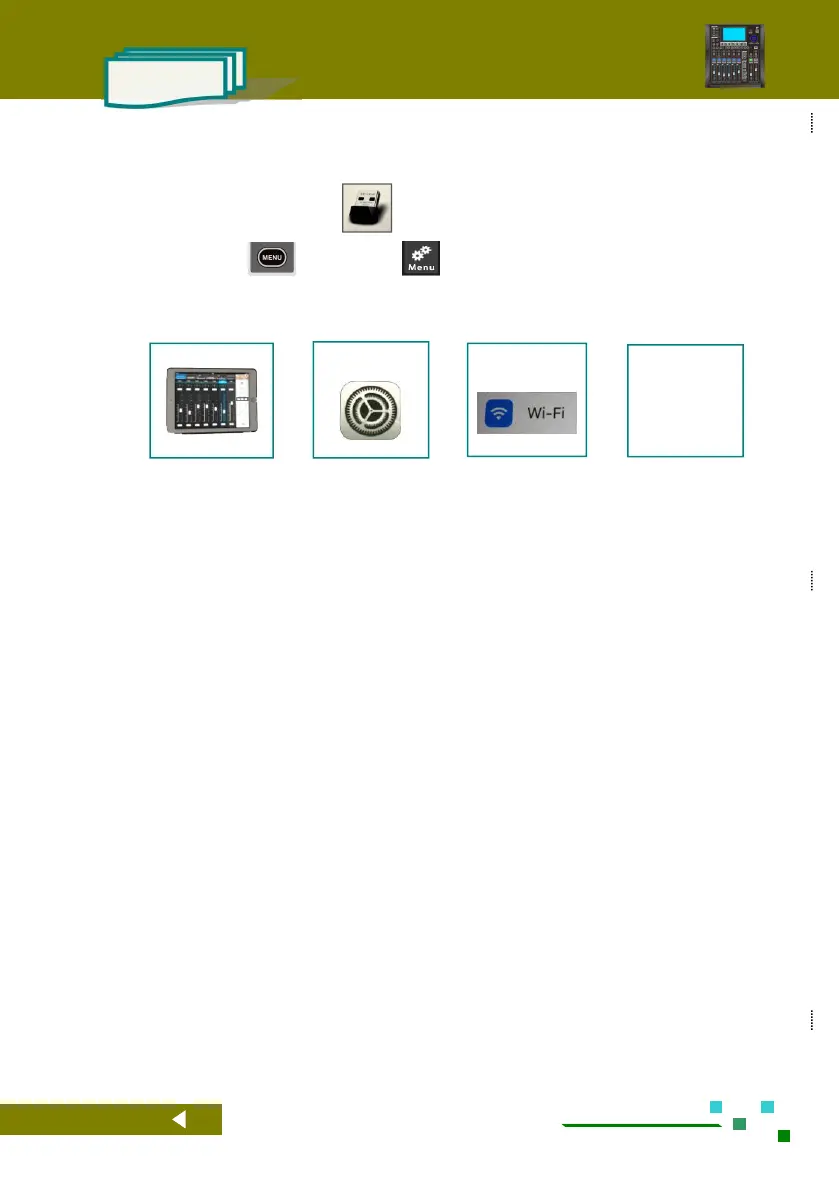
1). Plug the WIFI wireless adapter into the USB port of the MD-16E digital mixer.
2). Click the button on the panel, or on the screen to enter the system parameter setting
interface, then click the button [ WIFI&Time ] , enter the hotspot name in the Name field, enter the
connection password in the Password field, and then click the button [ Reboot WIFI ] to make the
settings. The parameters take effect. ( See section 2.8.4 for details )
3).
Turn on WIFI
and select the
network set on
MD-16E.
4). Log in to the Apple App Store with your iPad, find the app with the keyword "MD-16E" and install
it on your iPad.
5). Run the app. When the WIFI flag on the APP turns green, it means that the APP has established a
communication connection with the MD-16E digital mixer, and now it can be remotely operated.



 To Next Page