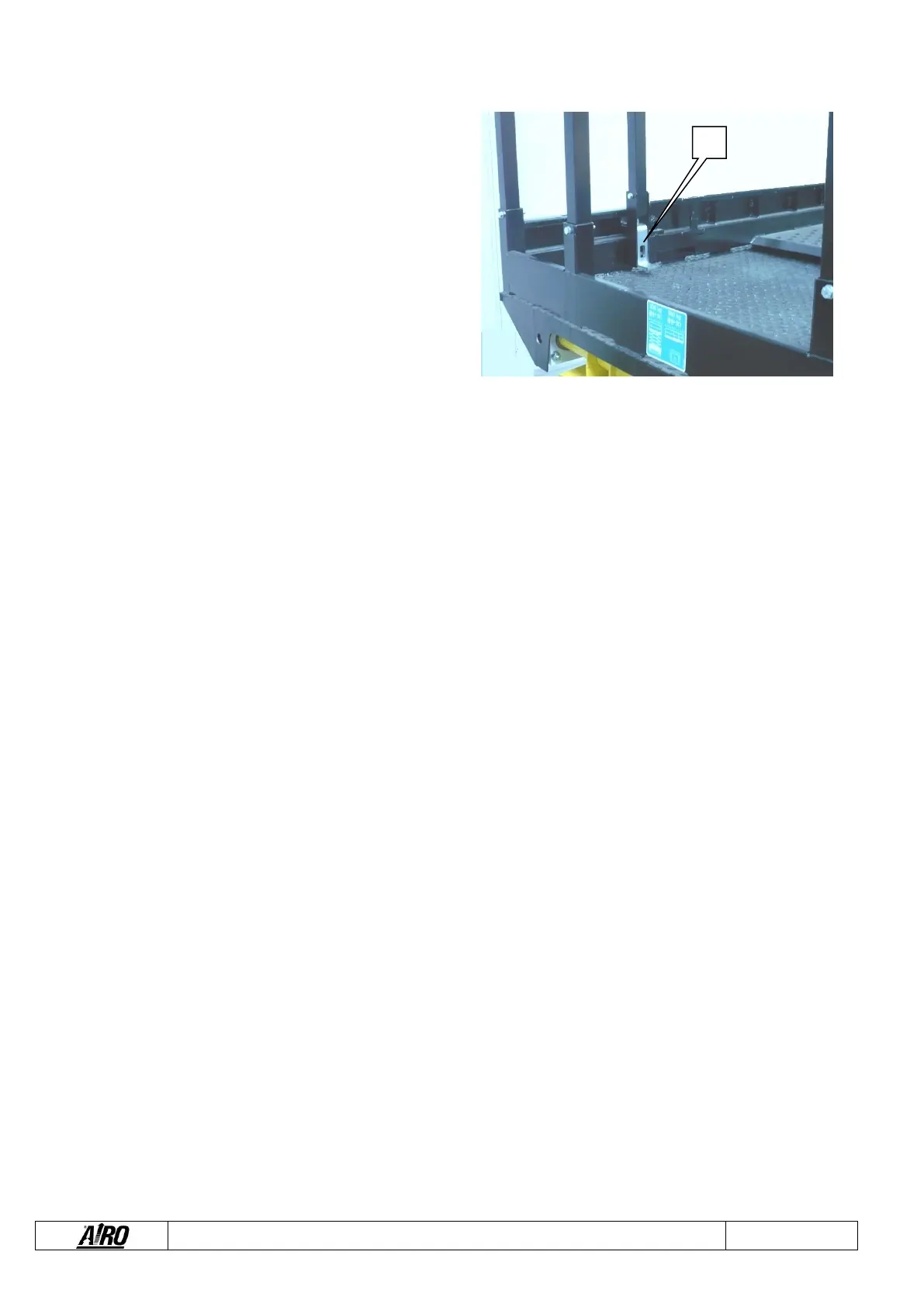
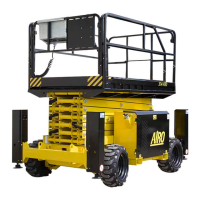
The extension of the mobile platform is carried out manually.
To extend the mobile platform (Figure 5-2) you have to:
▪ Press lock pedal A.
▪ Manually push the platform from the inclined part of the
rails while holding down pedal A.
▪ Release pedal A close to one of the provided slots
depending on the extension you wish to achieve.
▪ Make sure that lock pedal A is actually inserted into the
slot to be sure that the mobile platform is locked.
5.1.5 Other functions of the platform control panel
5.1.5.1 Manual horn
I – Figure 5-1 : Horn to warn that the machine is moving. The manual operation of the horn is carried out by pressing key I
5.1.5.2 Emergency stop button
J - Figure 5-1: By pressing the red emergency STOP button all control functions of the machine are stopped. Normal functions are
enabled by rotating the button of 1/4 turn clockwise.
5.1.5.3 Green warning light, control panel enabled
E - Figure 5-1: Lit up flashing when the machine is turned on: If the platform control panel has been selected and this light flashes
the controls are not enabled because the dead-man switch D is not pressed or it was pressed for more than 10 seconds and no
operation was performed.
Lit up steady with machine on and dead-man switch D pressed for less than 10 seconds: With platform controls, all controls are
enabled (unless other warnings are present).
5.1.5.4 Red warning light, flat battery
F - Figure 5-1: Flashing when battery is charged at 20% only. In this condition, lifting is disabled. Batteries should be immediately
recharged.
5.1.5.5 Red warning light, overload
G - Figure 5-1: Flashing with activation of audible alarm with a platform overload exceeding 20% the nominal load. If platform is
lifted, the machine is completely locked. If platform is lowered all driving/steering operations are still possible but lifting is disabled.
Remove the overload before using the machine again.
Fast flashing with audible alarm activated in case of fault in the platform overload controller. With lifted platform the machine is
completely locked.


 To Next Page