HDR Image Analyzer v1.0r3 23 www.aja.com
Chapter 5 – Using HDR Image Analyzer
HDR Image Analyzer Setups
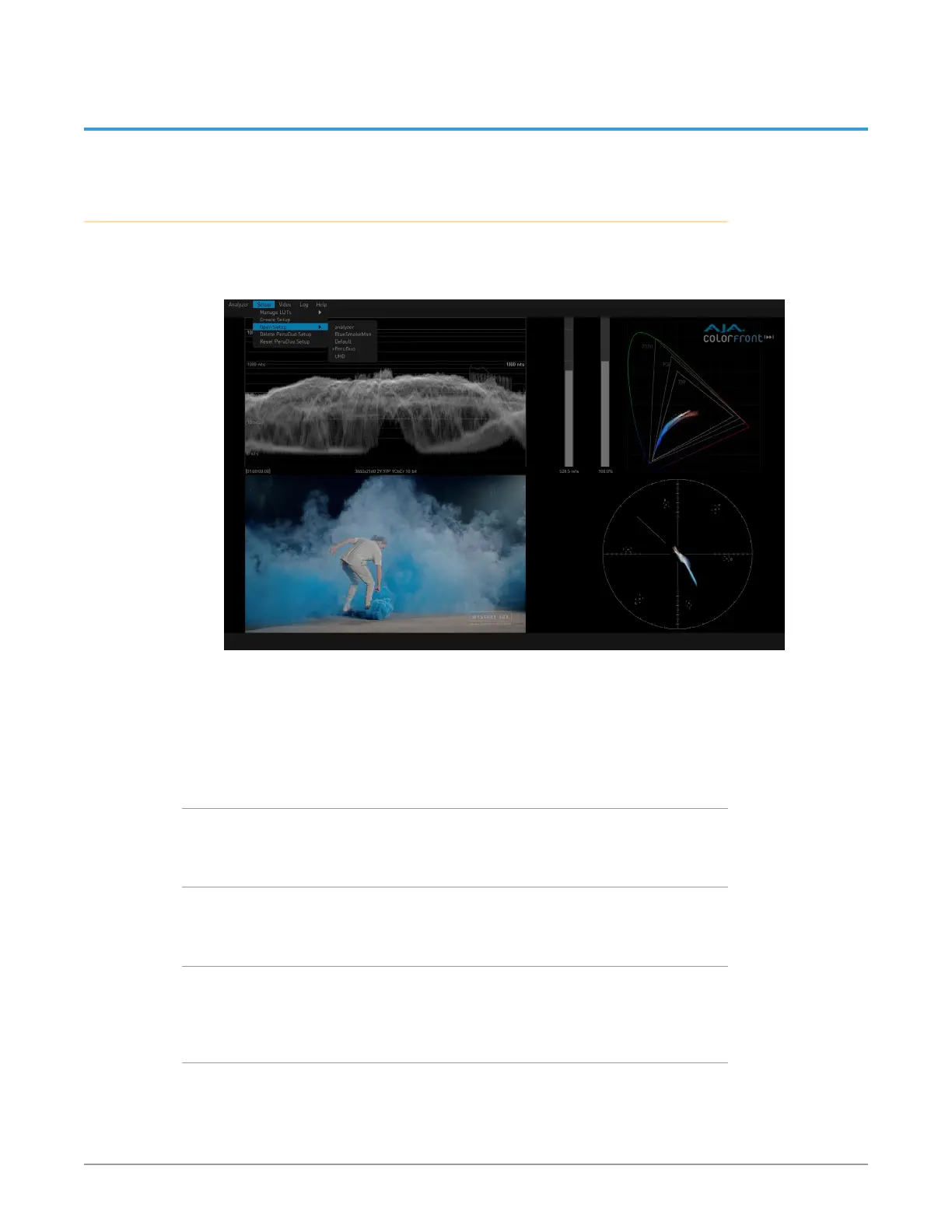
The top menu bar Setup menu is used to create, select, and save Setups of views
and parameter settings.
Figure 25. Setup Menu
Setups are always updated with the currently selected settings. If you want to
retain the current settings of a Setup, after the Setup has the desired settings
create or load a different Setup. Then any subsequent parameter changes made
will be applied to that new Setup. When you open the original Setup in the future
it will have all the desired settings.
Create Setup
Opens a window to name and create a setup of the current settings.
Open Setup
Displays a list of the current setups for selection.
Delete Setup
When a Setup has been opened, you can delete it with this choice. The default
“analyzer” setup then gets loaded.
Reset Setup
Resets the current Setup to factory default values.



 To Next Page