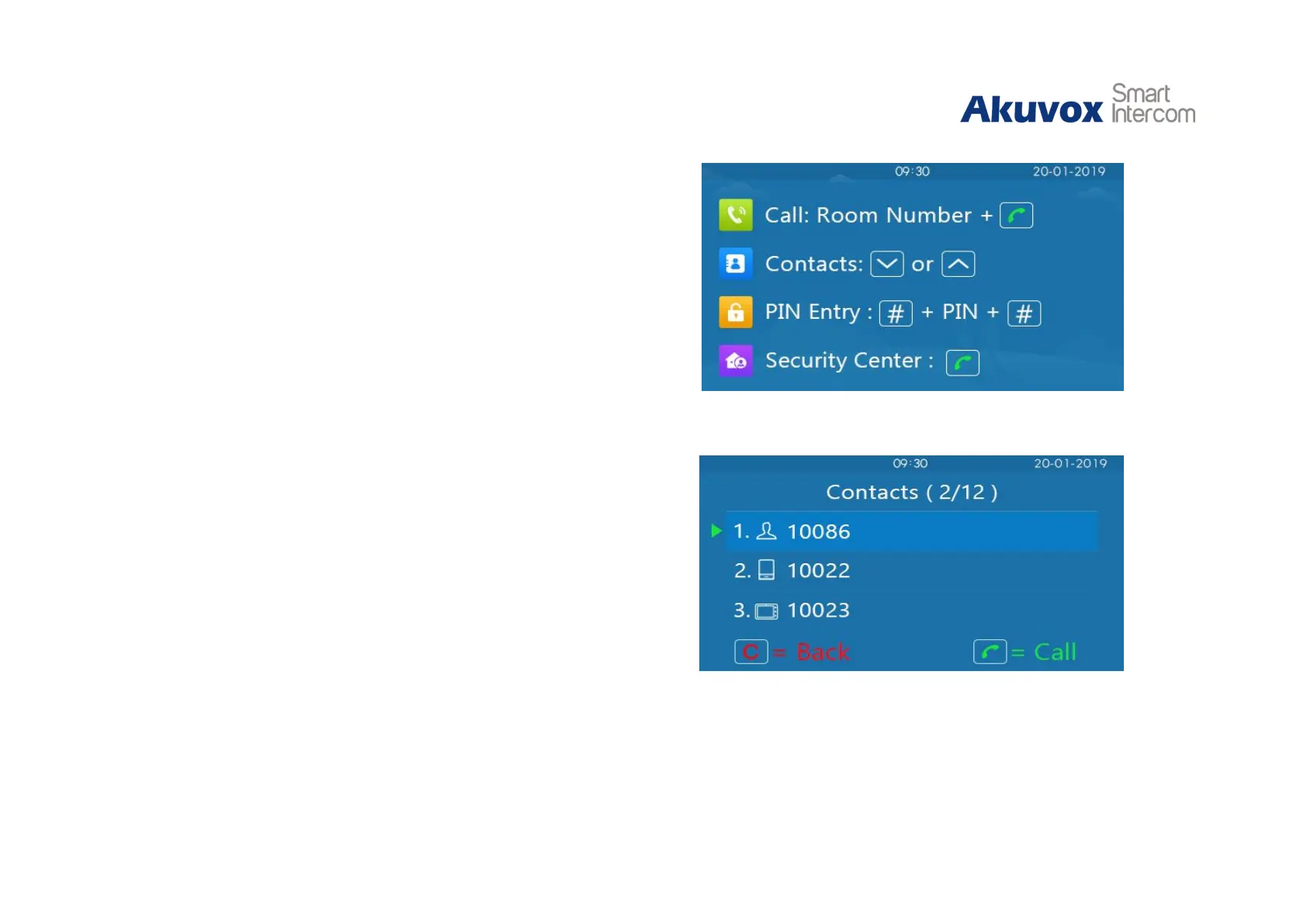
Visitors can make a call in the main interface.
Call: Users can make a call by entering room number, SIP
extension or IP address and then press “Dial key.”
Security center call
:
Users can make a speed dial to security
center by pressing “Dial Key” directly.
Call from contacts: Users can press “Up/Down key” to enter
contacts interface, select the contact to dial to by pressing up/down
key on contacts interface and press “Dial key” to make a call.
It will auto answer the incoming call by default. If users disable
auto answer function, they can press “Dial key” to answer the
incoming call.
Figure 2.1-1 Idle interface
Figure 2.1-2 Contacts interface


 To Next Page
 Loading...












