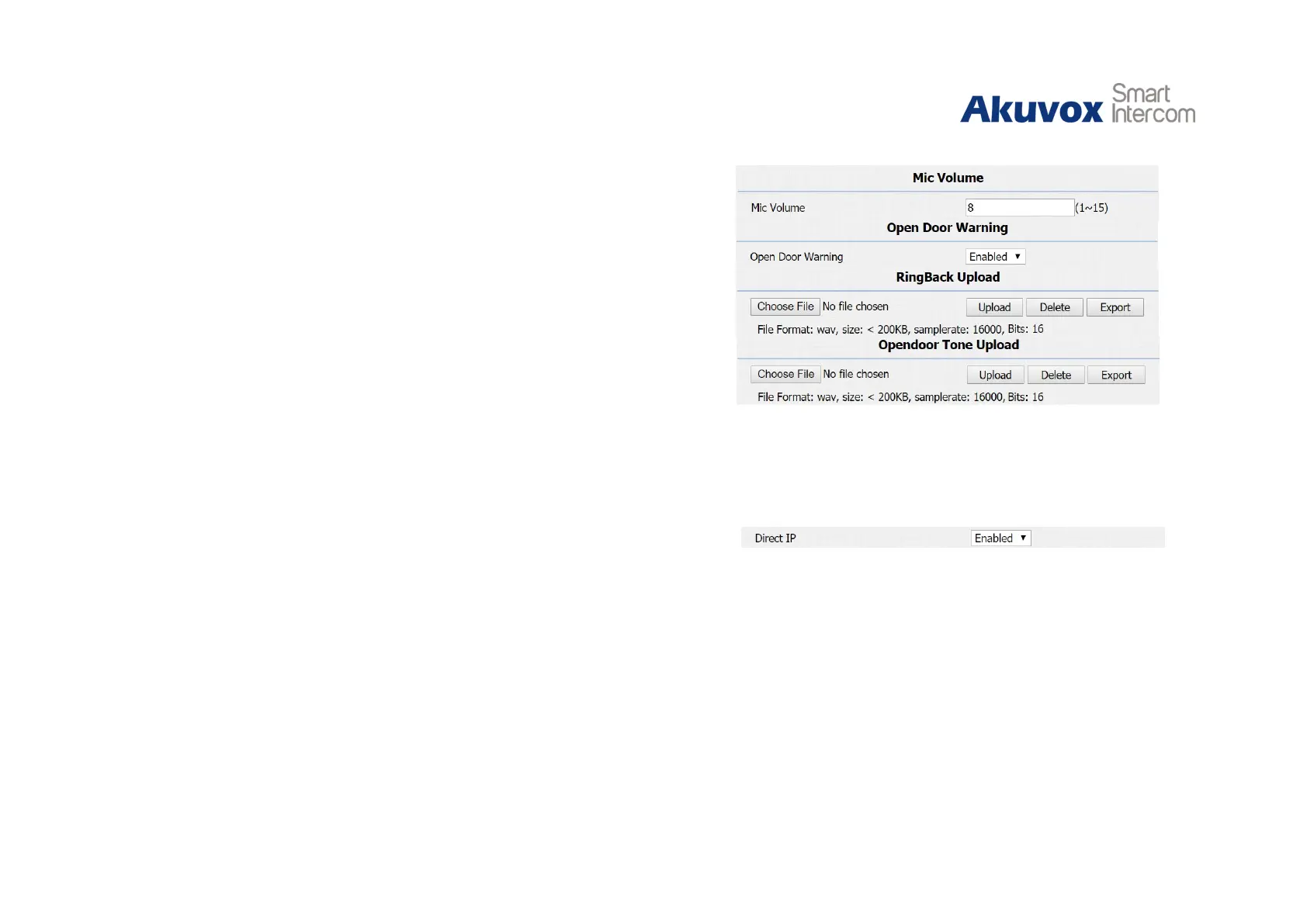
Speaker Volume: To configure speaker volume.
Open Door Warning: Disable it, and users will not hear the
prompt voice when the door is opened.
RingBack Upload: To upload the ring back tone by users
themselves.
Opendoor Tone Upload: To upload the open door tone by
users themselves.
3.5.Intercom Call
3.5.1.Direct IP Call
Go to Phone - Call Feature to enable the direct IP call for door
phones first.
In the idle interface, press the IP address (like IP address
192.168.1.100, users need to press “192*168*1*100”) and “Dial
key” to make a direct IP call.
Figure 3.5.1 Direct IP call


 To Next Page
 Loading...












