BeHear SMARTO User Manual Page 21 of 41
Product Name: BeHear SMARTO Product No.: ABH-410 Doc. No. BHAUM202206.15
Hearing Assessment Results
Results of your hearing assessment are stored in the BeHear app’s Library under a unique name.
You can see them by tapping the Personal icon at the bottom of the app, selecting the Library
option, and choosing the relevant assessment.
The assessment can be re-taken at any time.
Note: Only the most recently applied results are saved and used in the amplifier.
Checking for Updates
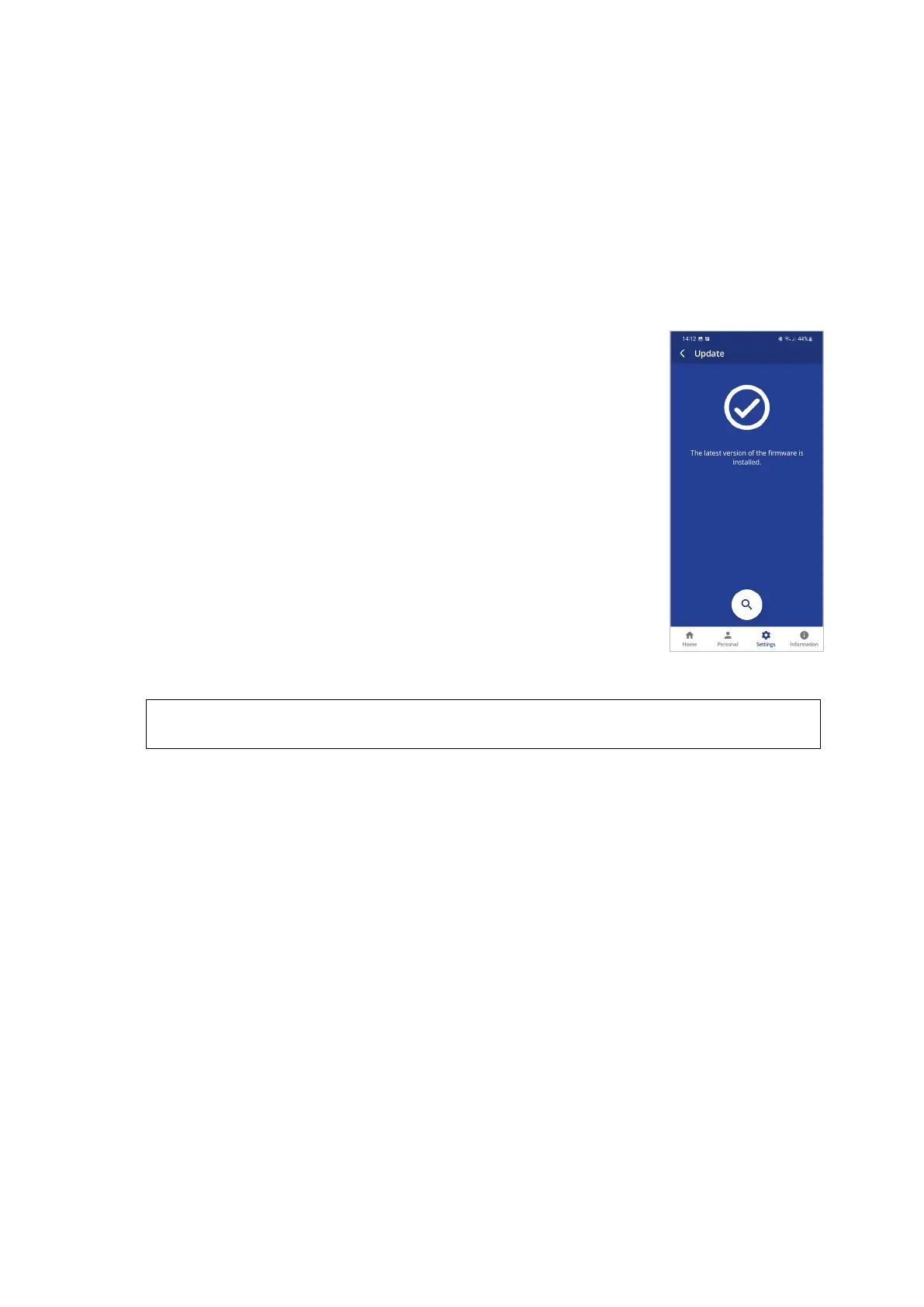
Keeping BeHear SMARTO updated with the latest version of the
firmware allows you to enjoy its most advanced features. We
recommend checking for updates before you start using your headset.
To check for an update:
1. Make sure the BeHear SMARTO amplifier is powered on and
connected to a phone with the BeHear application installed.
2. From the bottom menu of the app, choose the Settings option and
tap the Update button in the screen.
Note: The app checks for updates automatically when the Auto
option is selected for the Headset Update Check in the Application
section of the Settings screen.
3. If an update is available, launch the update process by following the
instructions displayed on the screen.
RECOMMENDATION:
The amplifier and application must stay powered on and connected during the update process.



 To Next Page