BeHear SMARTO User Manual Page 31 of 41
Product Name: BeHear SMARTO Product No.: ABH-410 Doc. No. BHAUM202206.15
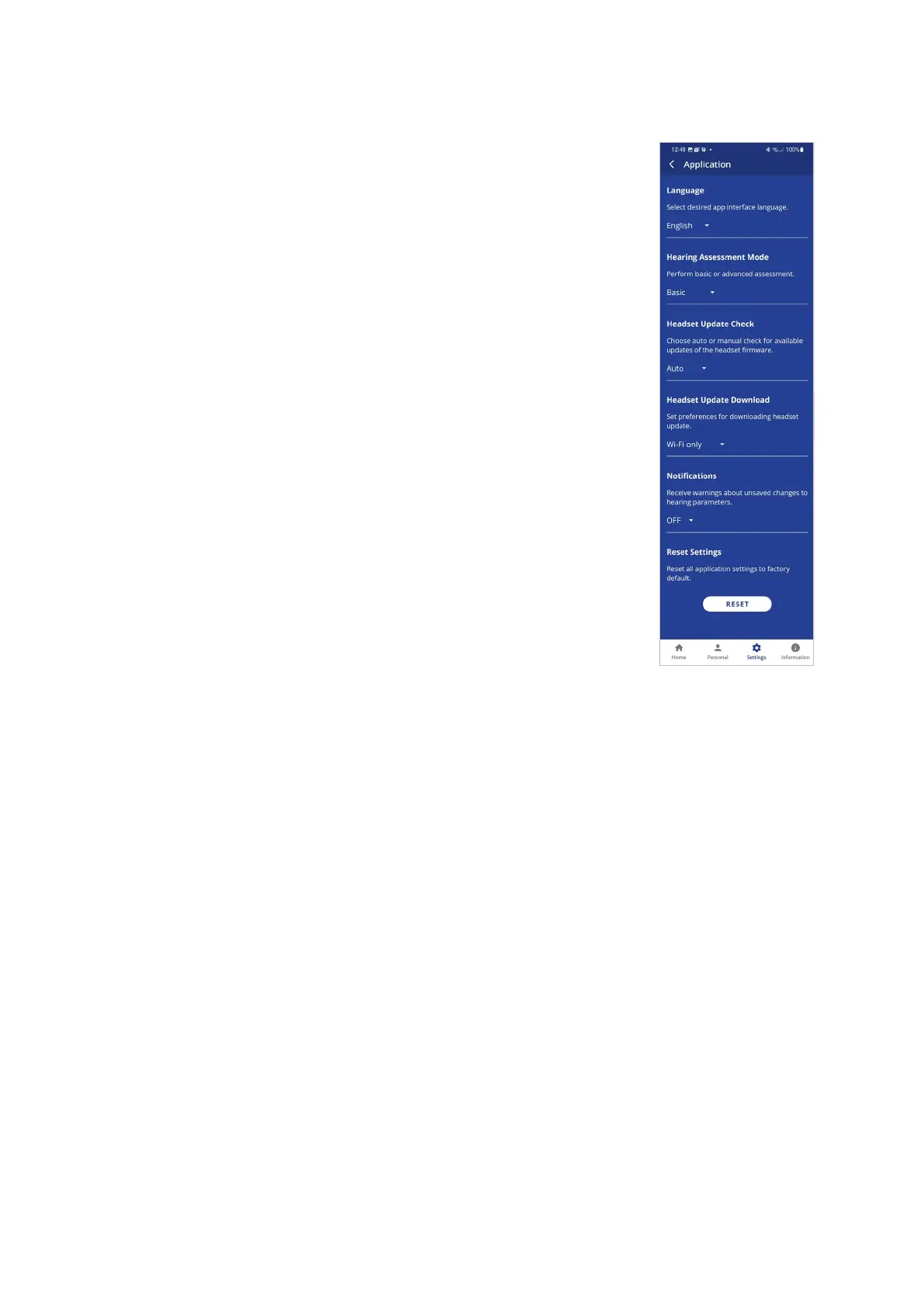
Application Settings
Language
This setting defines the language of the app interface.
Hearing Assessment Mode
This setting defines the type of hearing assessment to be performed:
• Basic – the assessment contains one measurement (hearing
threshold) for each ear.
• Advanced – the assessment contains two measurements (hearing
threshold and most comfortable level) for each ear.
The recommended setting (application default) is Basic.
Headset Update Check
This setting determines how checks for headset firmware updates will
be performed:
• Auto – app checks for updates automatically
• Manual – user needs to enter Headset Update screen and check
for an available update
The recommended setting (application default) is Auto.
Headset Update Download
This setting determines the preferred network connection when
downloading updates for the headset firmware:
• Wi-Fi only – the app performs the headset update automatically
only when the phone is connected to the Internet via local Wi-Fi
network. A warning notice is displayed when you initiate the
update when a Wi-Fi connection is not available.
• Any Network – app performs the headset update when the phone is connected to the
Internet via any network – Wi-Fi or cellular.
The recommended setting (application default) is Wi-Fi only.
Notifications
This setting controls the behavior of warnings and notifications about unsaved changes to
hearing parameters made in the Personal Hearing screen.
The recommended setting (application default) is OFF.
Reset Settings
Tap the RESET button to restore application defaults.



 To Next Page