BeHear SMARTO User Manual Page 22 of 41
Product Name: BeHear SMARTO Product No.: ABH-410 Doc. No. BHAUM202206.15
Mobile Application
Installing the Application
For Android Phones
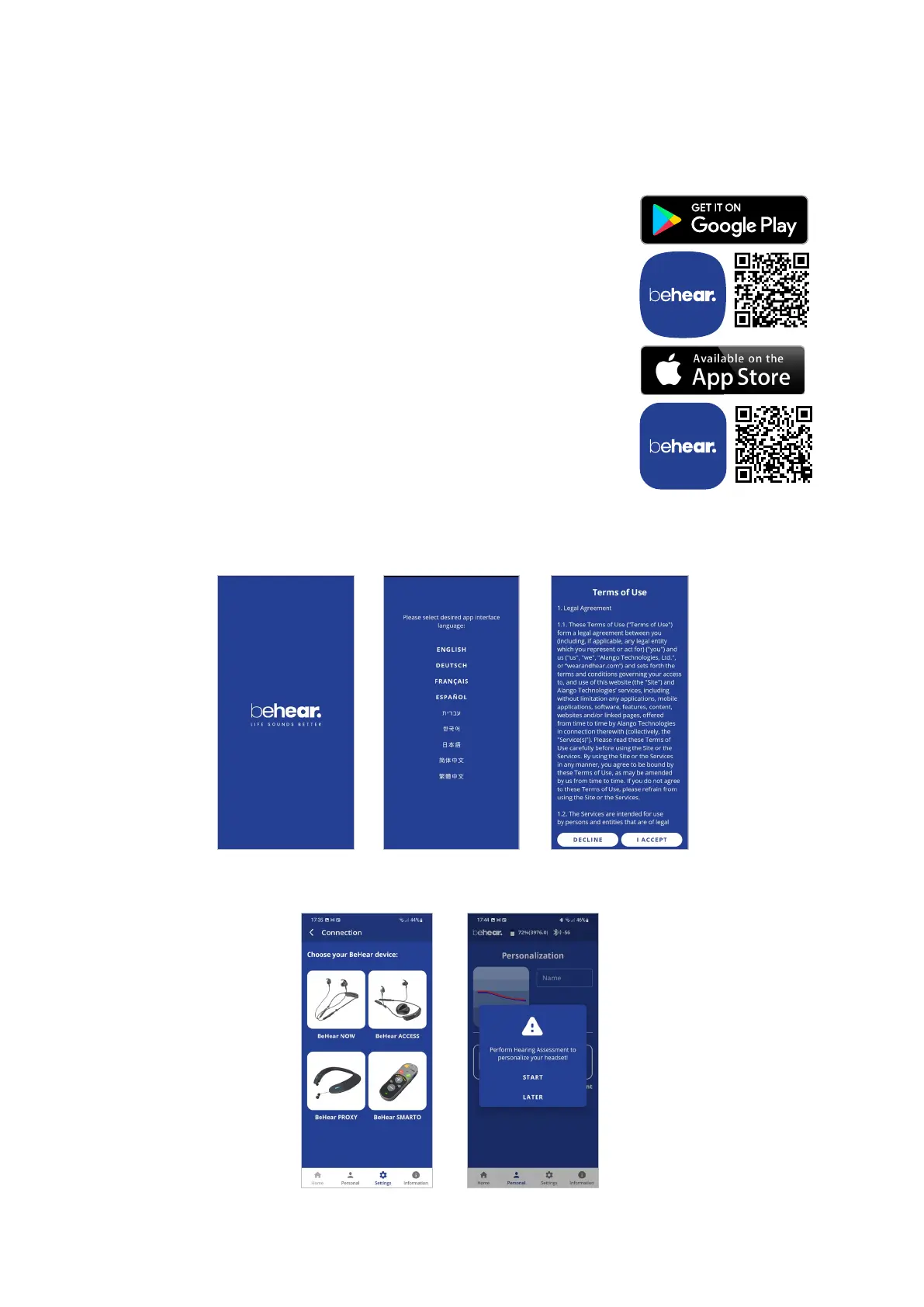
1. Launch the Google Play application and search for BeHear.
2. Download, install and launch the application.
For iPhones
1. Launch the App Store application and search for BeHear.
2. Download, install and launch the application.
First Launch
When the app is first launched after downloading you will be prompted to choose a desired
language for the interface, and accept the terms of use.
If no BeHear devices are connected to the phone, the app will continue to the Connection
screen. Otherwise, you will be prompted to perform the Hearing Assessment.



 To Next Page