EasyManua.ls Logo

Alcatel-Lucent Enterprise 8214 - Using your telephone; Call log

Alcatel-Lucent Enterprise 8214
48 pages
Print Icon
To Next Page IconTo Next Page
To Previous Page IconTo Previous Page
Loading...
Using your telephone
8AL91453ENAA ed01
13/42
3 Using your telephone
3.1 Call log
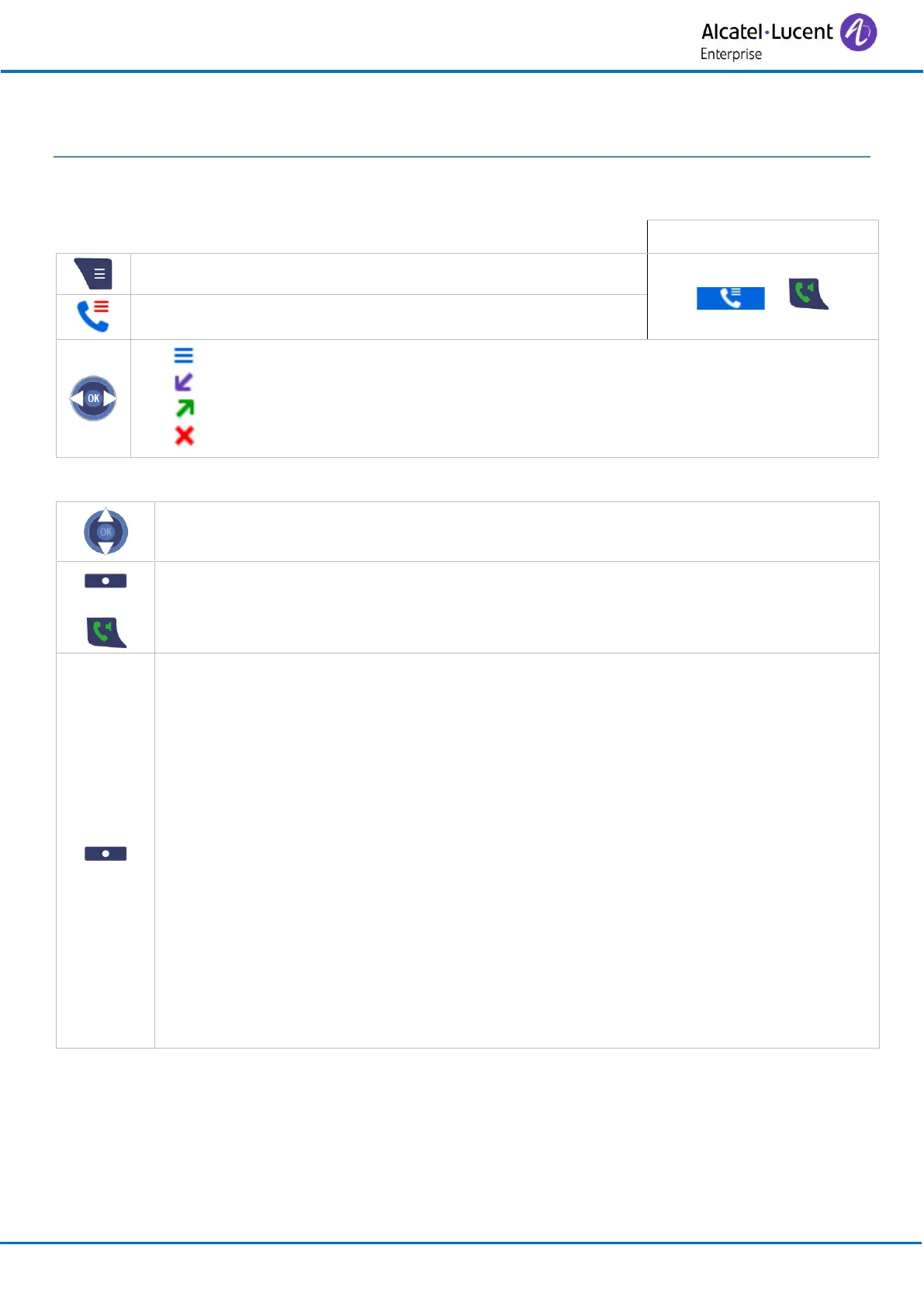
Quick access:
Access MENU.
or
Call log
All calls.
Answered calls.
Dialed calls.
Missed calls.
3.1.1 Manage the call log
Select an entry.
or
Call
Call the contact.
View
Display the log details.
o Call
Call the contact.
o More
Save contact
If the contact is not in your local directory, you can save them as a
new local contact.
Append to contact
Add the number to an existing local contact.
Send message
Not available in SIP mode.
Edit before call
View the number before making the call.
Delete item
Delete the selected item of the call log.

Related product manuals