EasyManua.ls Logo

Alcatel-Lucent Enterprise 8214 - Call icons; Status icons

Alcatel-Lucent Enterprise 8214
48 pages
Print Icon
To Next Page IconTo Next Page
To Previous Page IconTo Previous Page
Loading...
Getting to know your telephone
8AL91453ENAA ed01
8/42
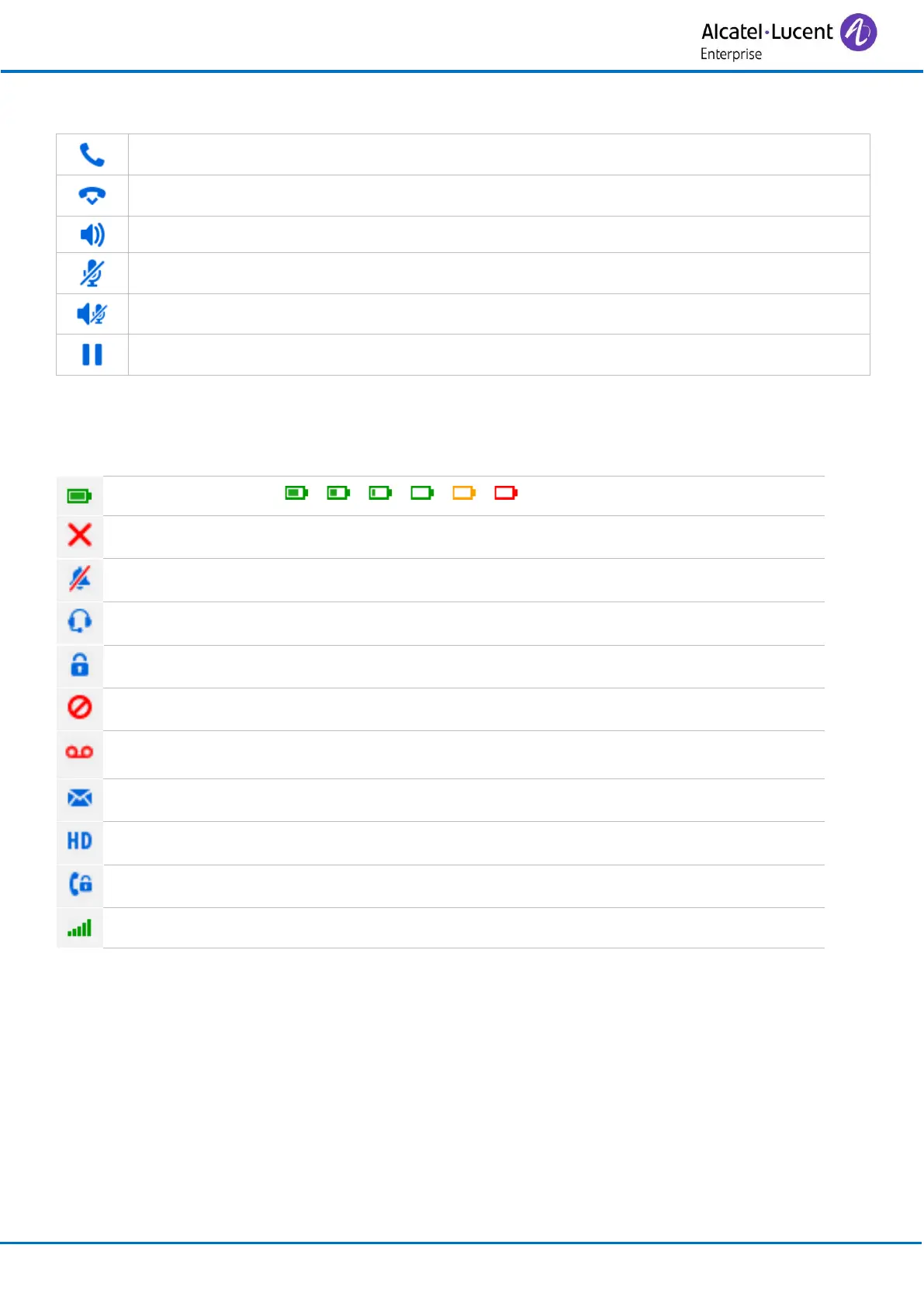
1.3 Call icons
Making a call/Receiving a call.
Call is ended.
Loudspeaker on (in conversation).
Mute the audio (in conversation).
Mute on when loudspeaker is active (in conversation).
Call on hold (in conversation).
1.4 Status icons
The status icons are displayed on the welcome screen and indicate the status of the telephone.
Battery charge level ( > > > > > ).
New missed call(s).
Ringer disabled.
Headset connected.
Telephone locked.
Do not disturb activated.
New voice message
New text message(s).
High-definition audio quality.
Encrypted communication.
Radio reception quality - Normal power mode.

Related product manuals