EasyManua.ls Logo

Alcatel-Lucent Enterprise 8214 - Calling your caller by name (company directory)

Alcatel-Lucent Enterprise 8214
48 pages
Print Icon
To Next Page IconTo Next Page
To Previous Page IconTo Previous Page
Loading...
Using your telephone
8AL91453ENAA ed01
15/42
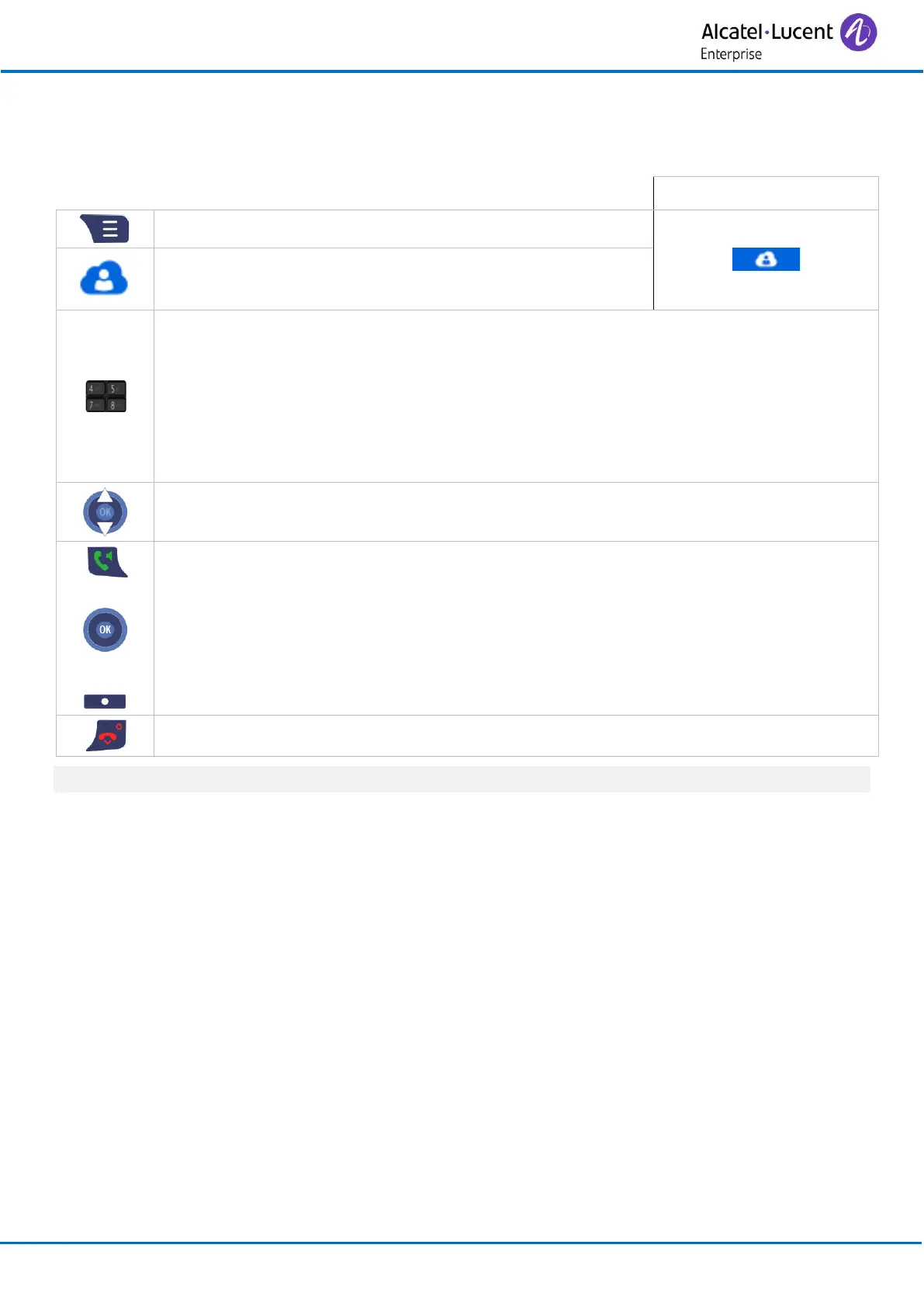
3.4 Calling your caller by name (company directory)
This feature is available if a company directory is configured in your system.
Quick access:
Access MENU.
Central directory
Use one of the following:
o Press a key to display the first names (in alphabetical order)
corresponding to the first letter of that key.
o Search
Enter the first letters of your contact's name.
Confirm by pressing the 'OK' key.
The matching names are displayed.

Select the name of the person you wish to call.
or
or
Call
Send the call.
Cancel the operation
For more details about the alphanumeric keypad, see chapter: Alphanumeric keypad.

Related product manuals