3.19 Customizing and adjusting your telephone
3.19.1 Choosing your melody
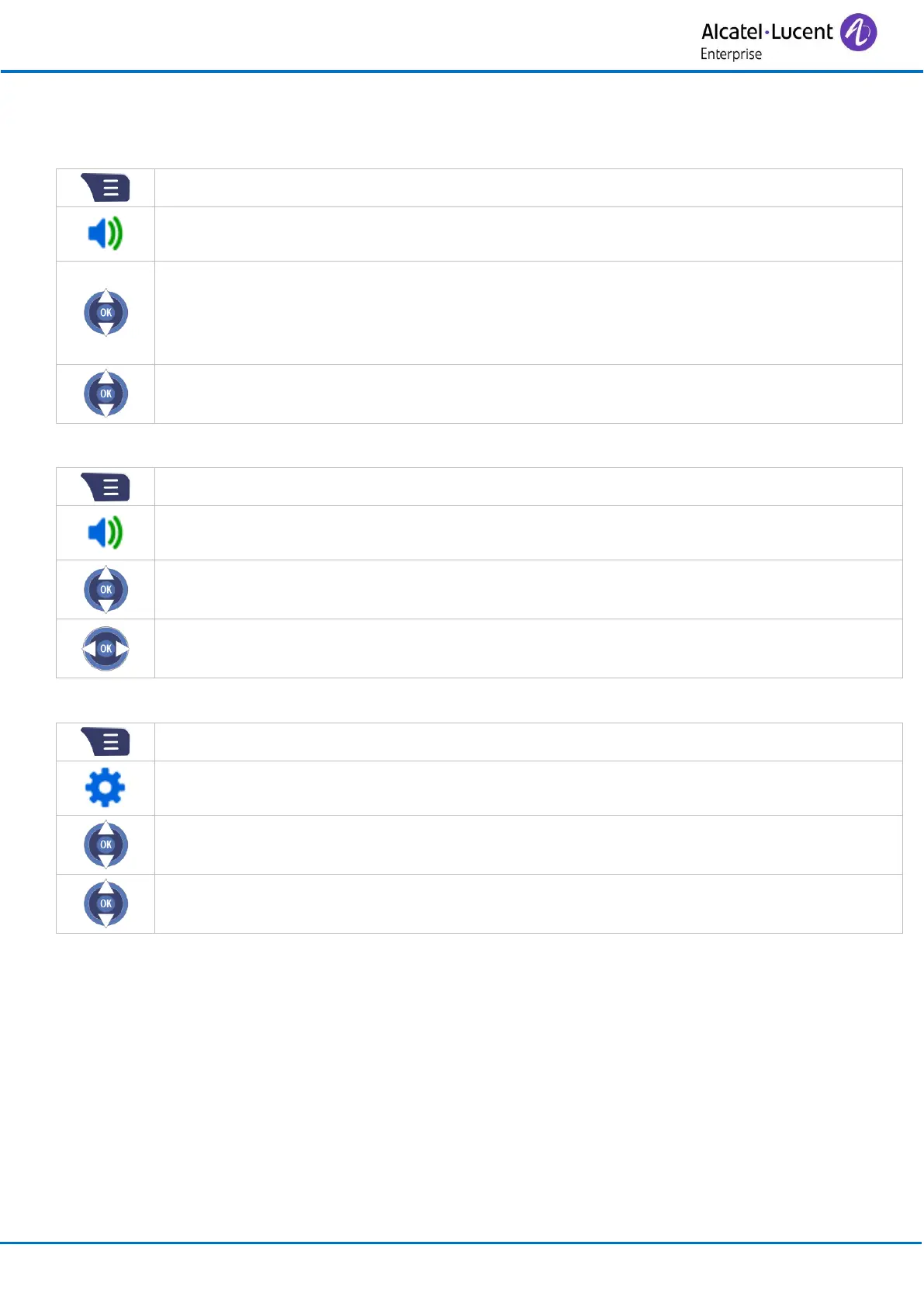
• Use one of the following:
o Ring melody: define the ringtone for an incoming call.
o Ring normal msg: define the sound for a normal incoming text message.
o Ring urgent msg: define the sound for an urgent incoming text message.
• Select the melody of your choice (you can play/stop and select the ringtone).
• Press the 'OK' key to apply.
3.19.2 Adjusting the ringer volume
• Increase / reduce the volume.
• Press the 'OK' key to apply.
3.19.3 Selecting language
• Select the language of your choice.
• Press the 'OK' key to apply.



 To Next Page