Getting to know your telephone
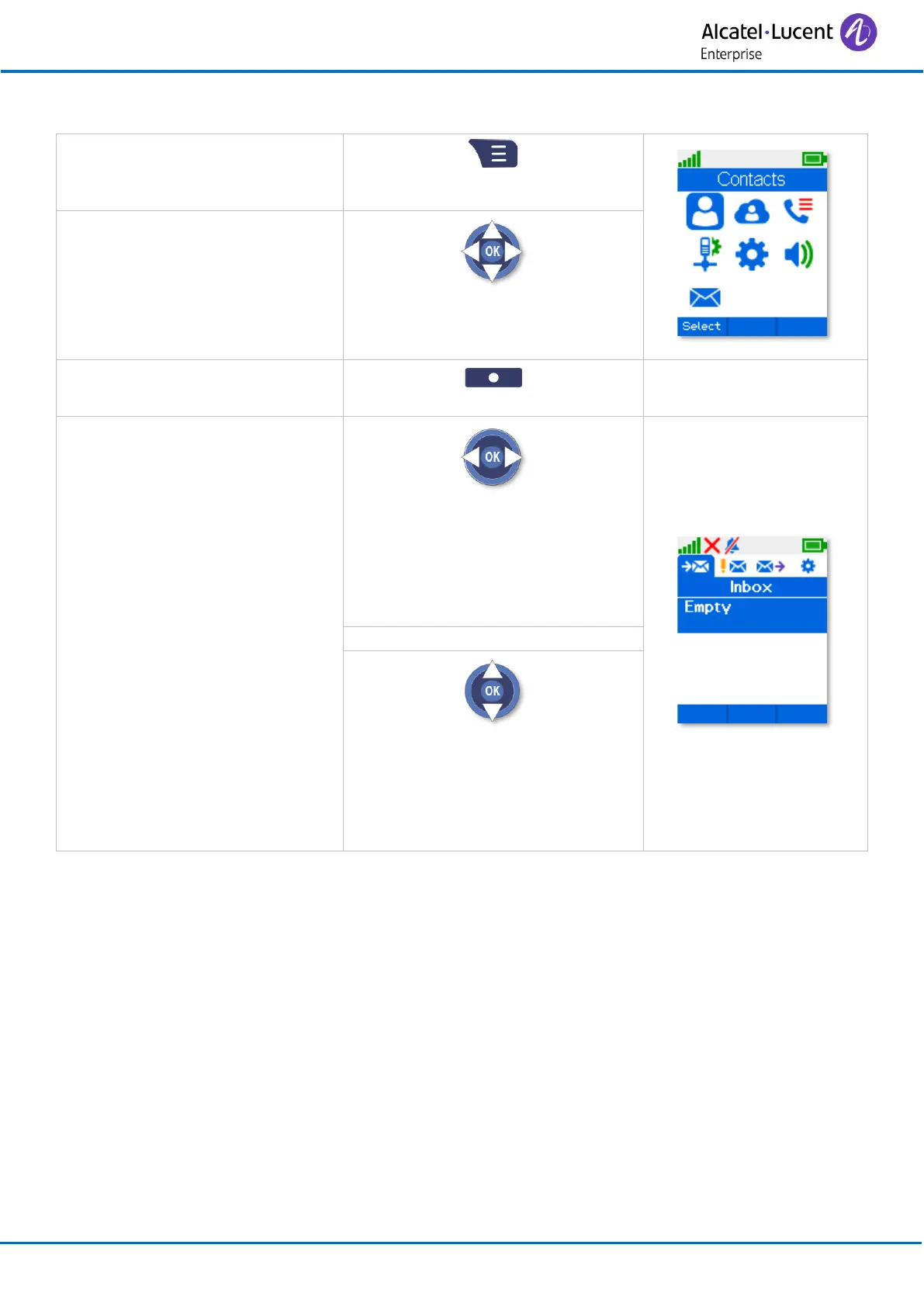
1.5 Accessing the MENU and navigating
Press the Access menu key.
Select a function in the MENU.
Use the navigator keys and press
the OK key to select a function.
Select a context menu by
pressing the corresponding key
Navigating within a function.
You can move horizontally along
the various icons within the
function
Press the OK key to validate your
choice.
You can move vertically along the
various labels within the function
Press the OK key to validate your
choice.



 To Next Page