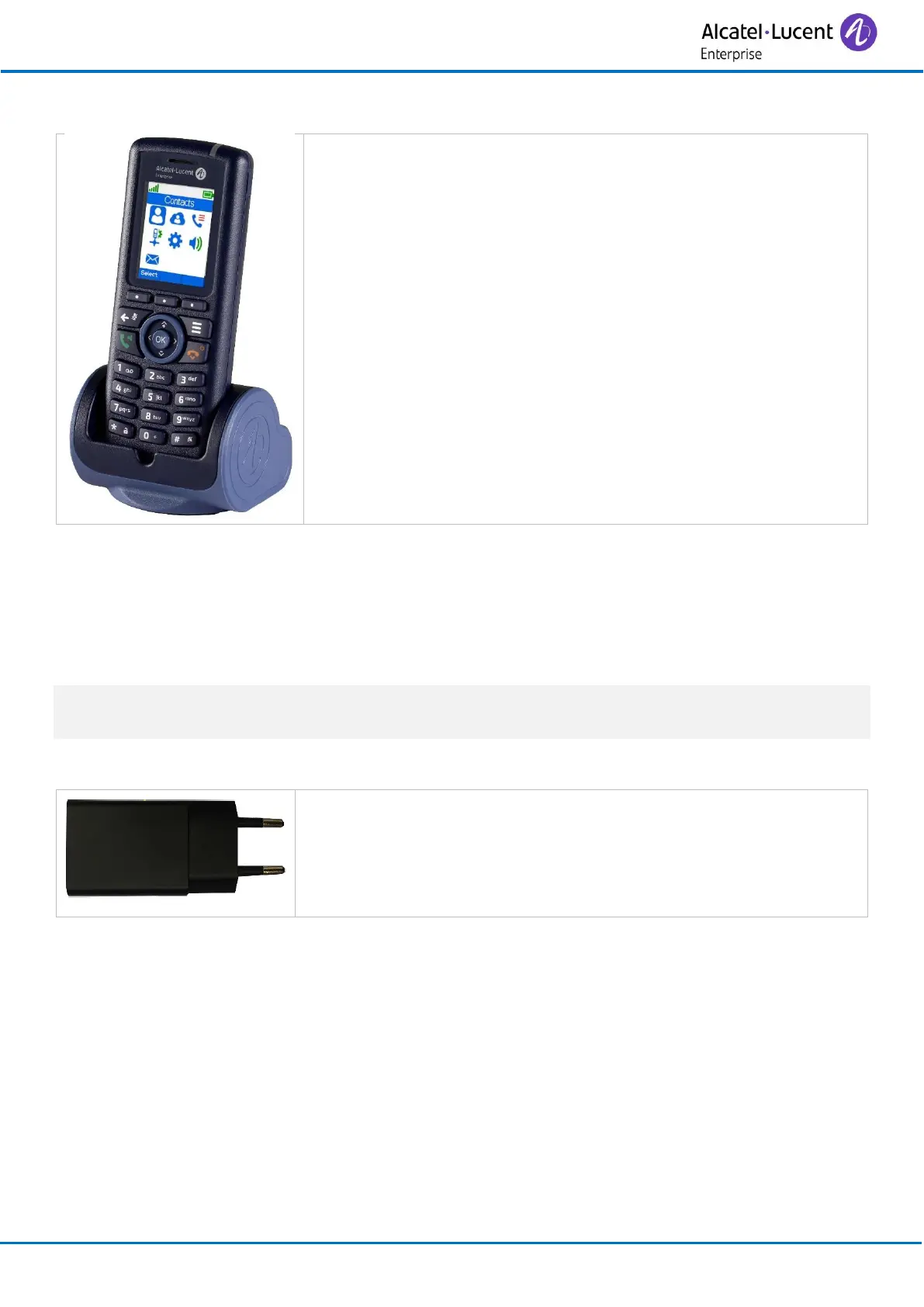
Put your phone on its support. Plug the USB cable into a 5V socket
(AC/DC adaptor, computer, …).
The AC/DC adaptor is not provided with the set. Please contact
your provider for a recommended AC/DC adaptator.
Charging time depends on the power source where the cable USB is plugged (computer, AC/DC
adapter, …). The battery charging time is usually less than 3 hours. Charging time depends on the
power source where the cable USB is plugged (computer, AC/DC adapter, …).
5.6 Power supply
The mains power socket used must be close to the charger/holder and easily accessible, so that it
can be used as an 'on/off' facility.
5.6.1 Power supply for the single or dual desktop charger
Use the recommended AC/DC adapter with the single or dual
charger. Read 'operating conditions' section at the beginning of this
manual.



 To Next Page