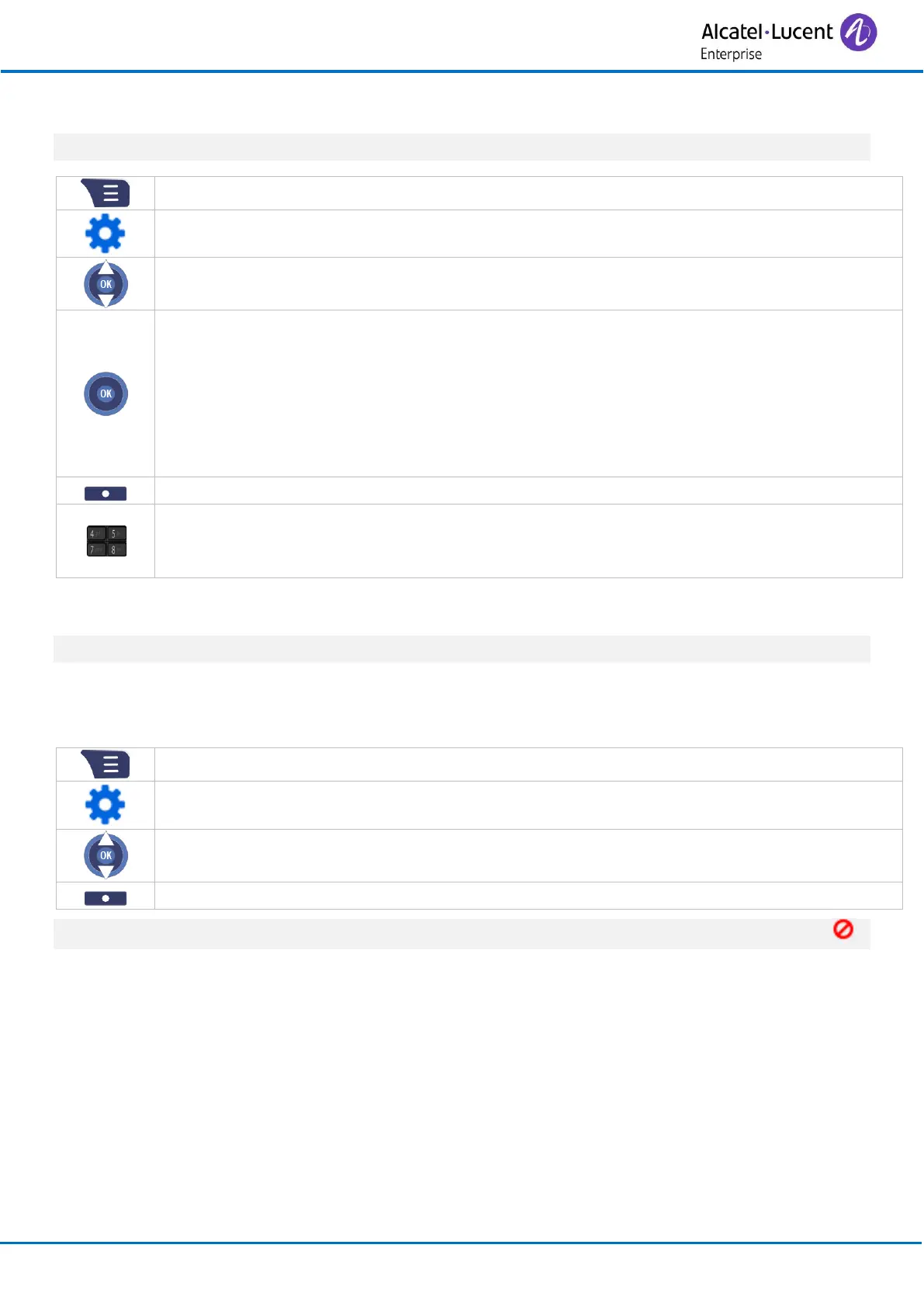
3.14 Forward your call to another number
This feature depends on the system configuration.
• Select one of the following conditions:
o Forward Unconditionally: forward all incoming calls to another number
immediately.
o Forward No Answer: forward all incoming calls to another number if you don’t
reply.
o XUI_TI_FORWARD_BUSY: forward all incoming calls to another number when you
are busy.
• On / Off: activate/deactivate the forward.
• Forward To: define the destination of the forward.
• Forward After (s): If using call forwarding when you fail to answer a call, set the period
of time after which an incoming call will be forwarded to another number.
3.15 Do not disturb feature
This feature depends on the system configuration.
When the 'Do Not Disturb' feature is activated, all incoming calls are forwarded to your voicemail
(your voicemail has to be configured by your administrator).
• Enabled / Disabled: activate/deactivate the 'Do Not Disturb' feature.
When the 'Do Not Disturb' feature is activated, the following icon is displayed in the status bar: .



 To Next Page