3.8 Placing a call on hold (hold)
During a conversation, you wish to place the call on hold and recover it later, on the same
telephone.
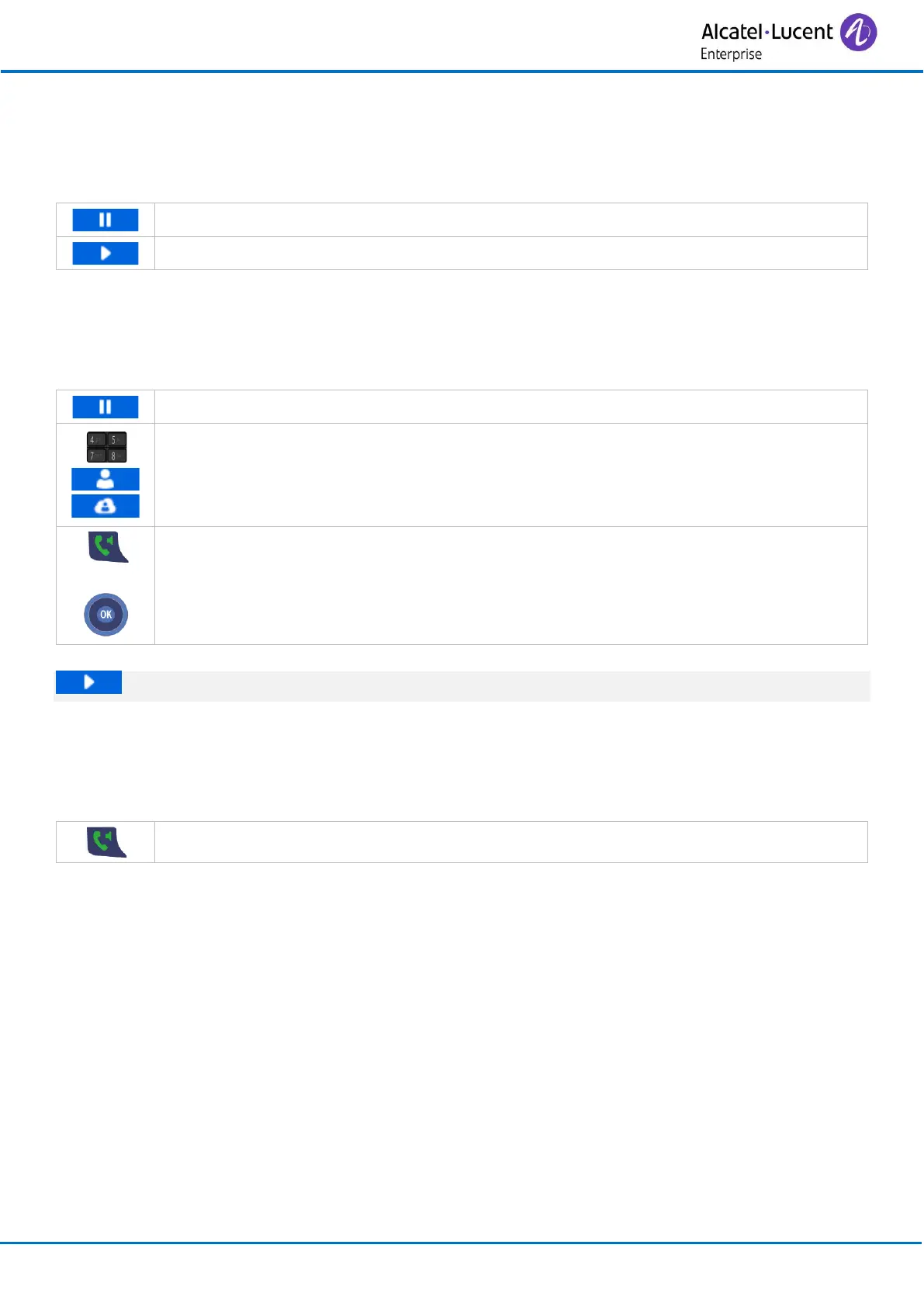
• The call is placed on hold.
• Resume the call on hold.
3.9 Make a second call
This feature depends on the system configuration. If necessary, contact your administrator.
You are in conversation with one contact. You want to make a second call.
• The first call is put on hold.
• Use one of the following:
o Dial the number to call.
o Call your contact using your personal directory (Contacts).
o Call your contact using the company directory (Central directory).
• Send the call.
• You can talk to the second caller and the first one is on hold.
Select this softkey to resume a call placed on hold.
3.10 Receiving a second call
When you receive a second call during a conversation, the name or number of the incoming call is
displayed.
• Answer the call. The first call is put on hold.



 To Next Page