Getting to know your telephone
• Some LED behaviors depend on the handset configuration (see
chapter: LED management). Define the LED color to indicate a missed
call or a new voice message, to warn of a low battery or to activate the
LED when the handset is on the charger.
• LEDs are activated when the handset is placed in the charger:
o Green steady: the phone is on the charger and the battery is fully
charged.
o Red steady: the phone is on the charger and the battery is
charging.
• Slow Red flashing: out of coverage.
• 3.5 mm, 4-pole jack plug for headset and maintenance (TRRS Standards: CTIA). If
your device is not compatible, you can use a 3 pole to 4 pole jack adapter.
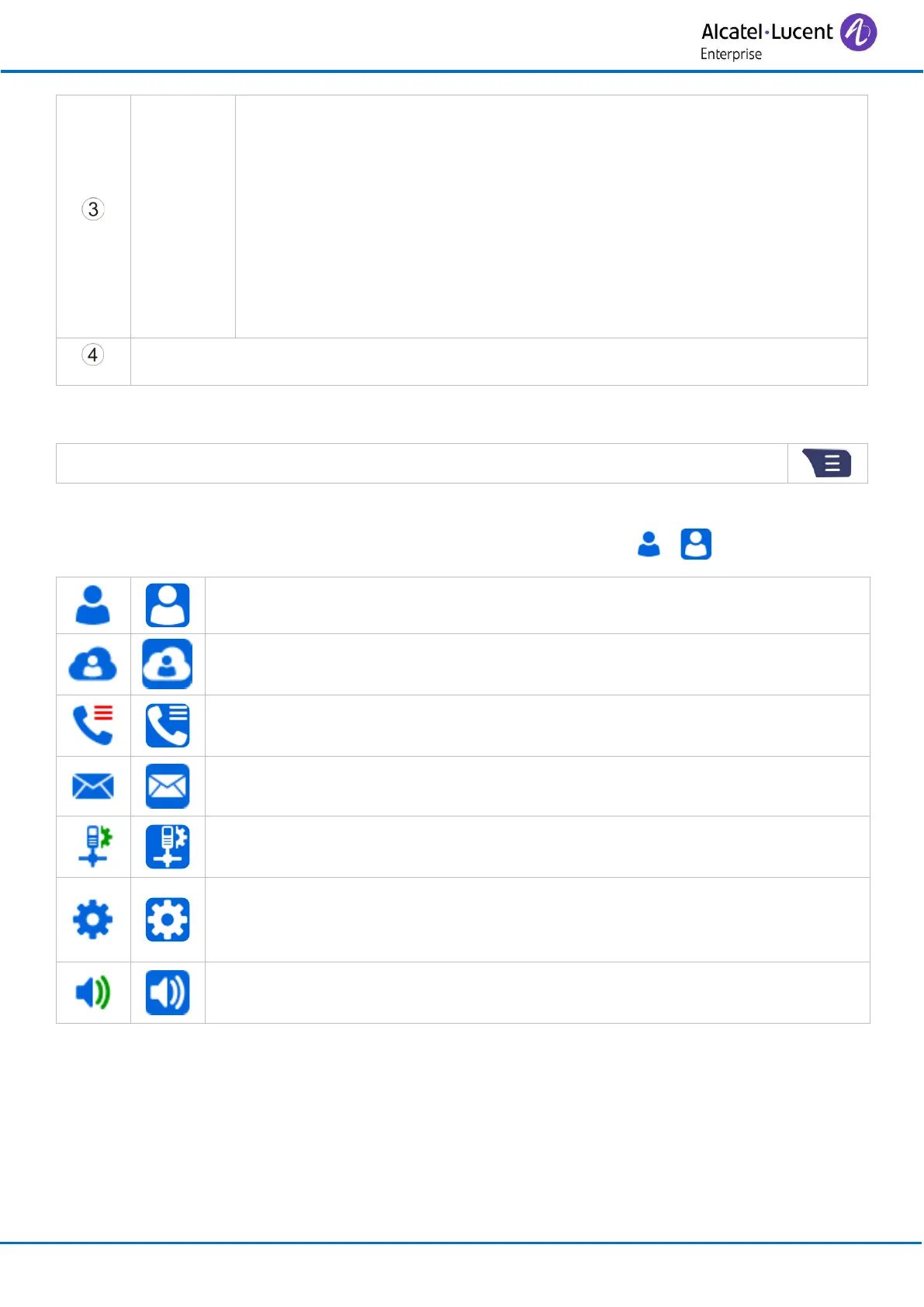
The MENU is accessible from the welcome screen by pressing the Menu key.
It provides access to all the functions available on your system.
When selected, the icons are displayed in white on a blue background: → .
Contacts:
Manage your personal directory.
Central directory:
Access the company directory.
Call log:
Access the call log.
Messaging:
Consulting your voice mailbox.
Install:
Installation settings (password protected).
Settings:
Access the general settings such as time and date, language, key
programming, etc.
Ring:
Access the ringing, key sound and warnings settings.



 To Next Page