3.5 Calling using speed dial key
First, you have to define the speed dial key. See chapter: Programming your personal directory.
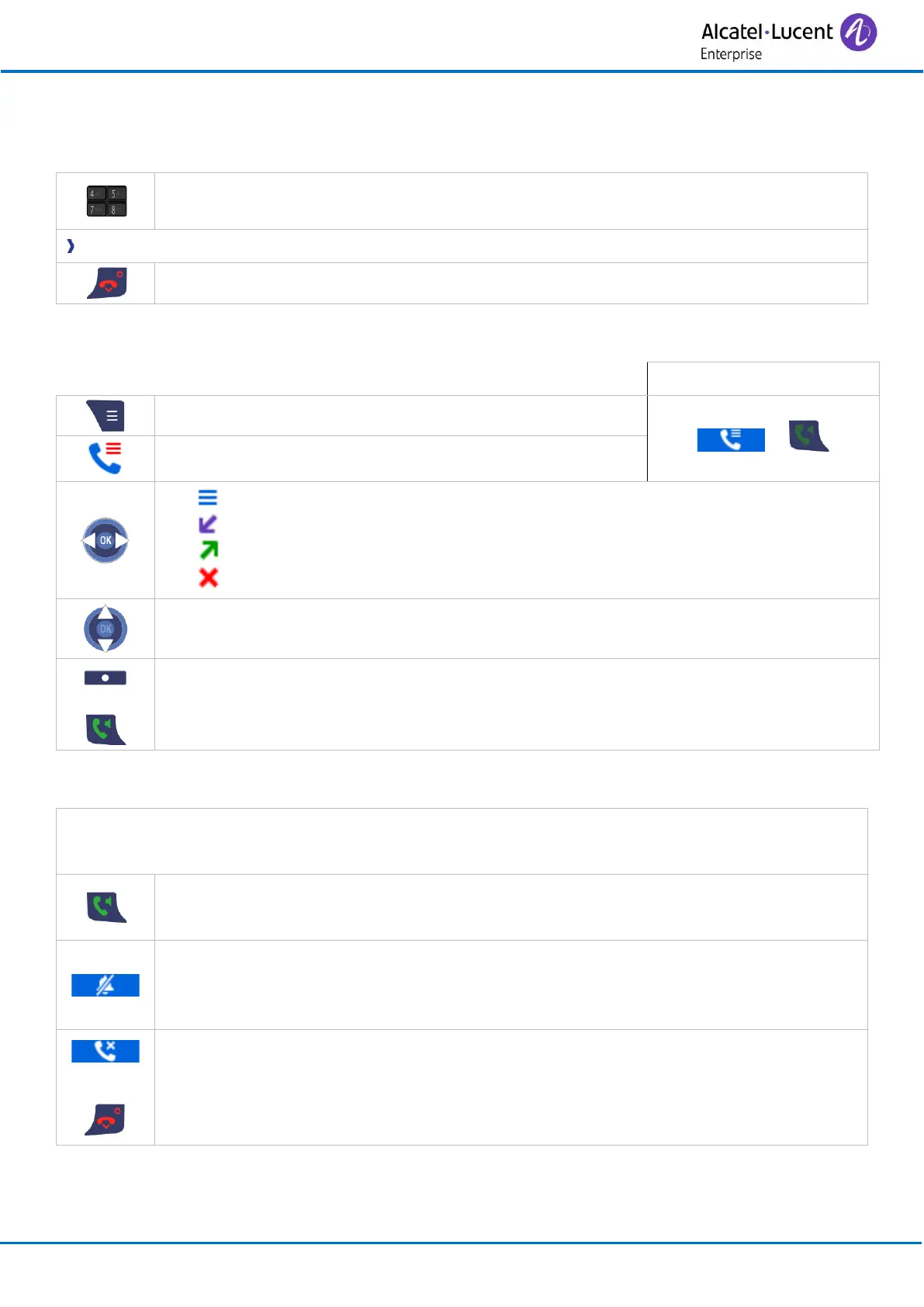
• If you have defined a speed dial key (number 2 to 9), long press on the speed-
dial key to call your associated contact.
You are in communication.
3.6 Calling using call log
• All calls.
• Answered calls.
• Dialed calls.
• Missed calls.
You are receiving a call. When you receive a call, the display indicates the caller's number or
name, if this function is provided by the fixed system.
• Answer the call (use the off-hook key of the handset or of the headset if
connected).
• Silent
Silent ringing when receiving an incoming call. The handset stops ringing but
you can still answer the incoming call.
• Reject
Decline the incoming call and forward it to your voicemail (if voicemail is
available).



 To Next Page