Accessories
8AL90399ENAD ed01 109/141
5.2.2 Unboxing
• ALE-160 WB Cordless Handset.
• Battery pack placed on the handset.
• Safety and regulatory instructions.
5.2.3 LED
The LEDs are placed on the top of the handset and over the microphone (synchronized, same
meaning). Blue, red and purple colors are used to inform you about the status of the handset.
Pairing mode, waiting for connection
Fast blinking red and blue
Incoming call (the phone is ringing)
Microphone switched off (mute)
Successful/missed upgrade
Fast blinking blue (sucessfully)/ red (missed) during
5s
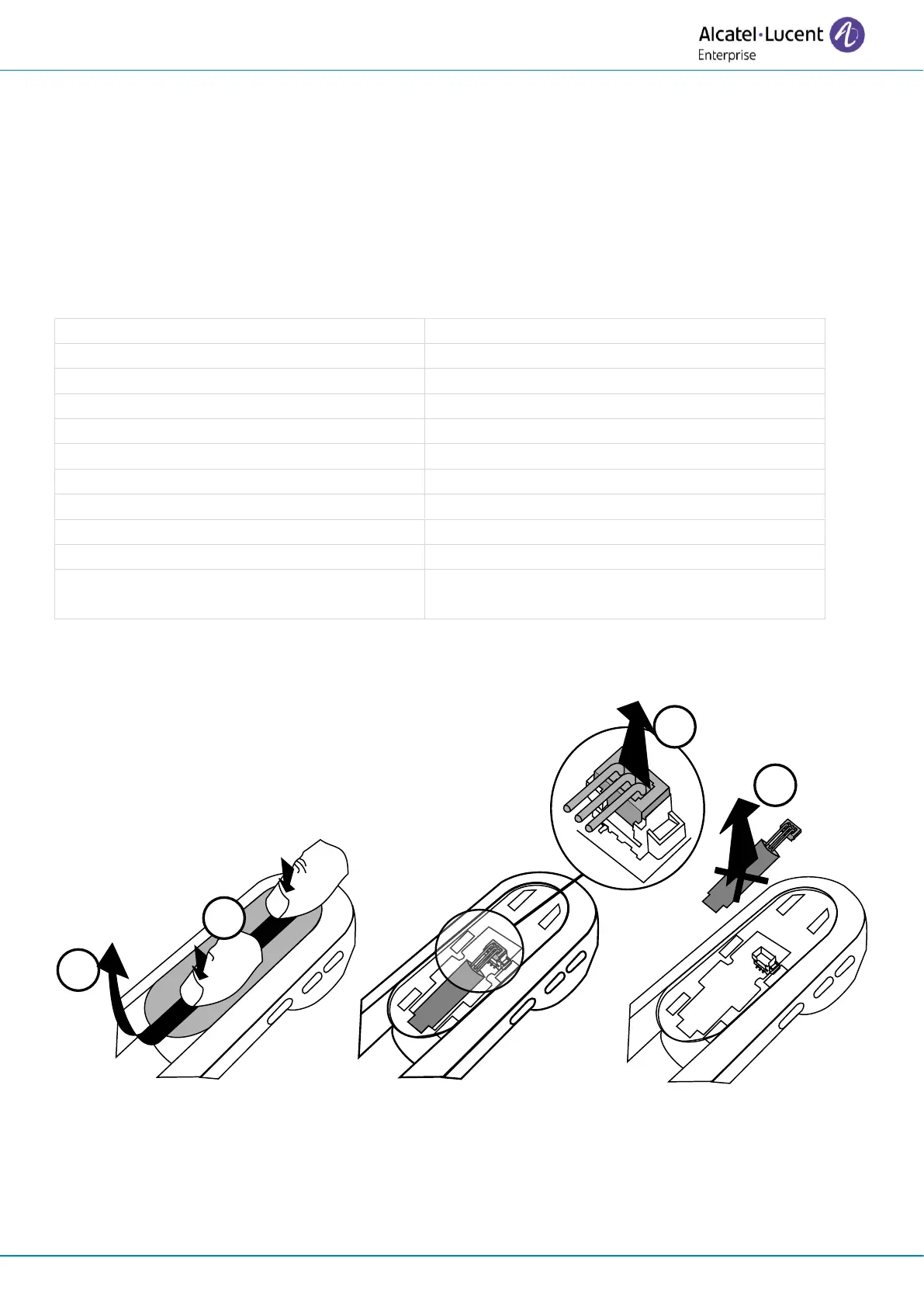
5.2.4 Installing or replacing the Bluetooth® handset battery














 To Next Page