39
4.3 Turning ON Electrical Power Source
PROCEDURES:
(1) Double check to make sure that safety interlocks between Robot and I.M.M.
are well connected, and then turns power switch ON.
【NOTE】PLEASE MAKE SURE THE HAND-HELD PENDANT AND CONTROL
BOX IS WELL CONNECTED BEFORE TURNING “ON” POWER SWITCH.
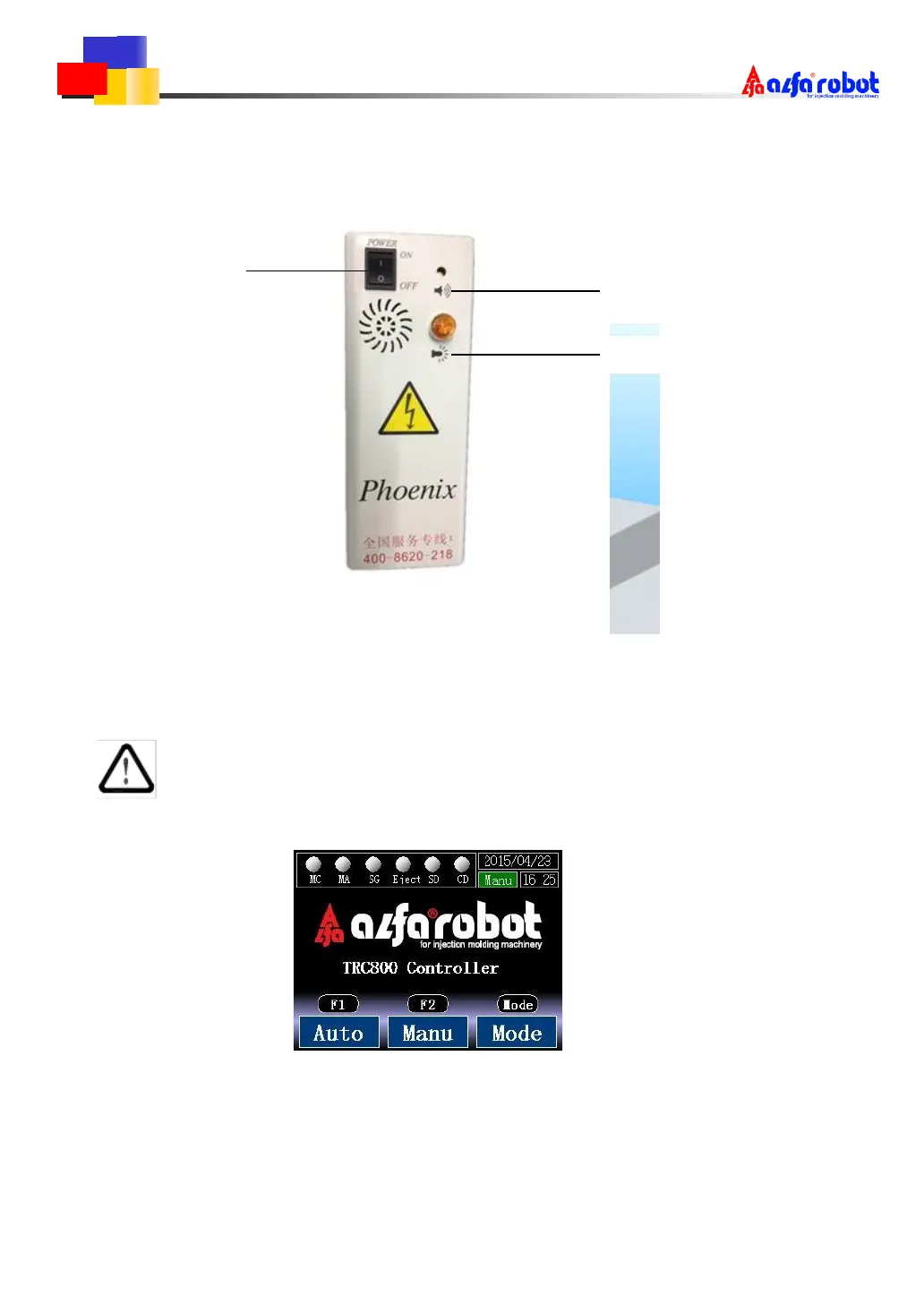
(2) After turning ON power switch, screen on the hand-held pendant will display:
(3) If there is no display on the screen after turning ON power, it is maybe there
are burnt control fuses. Please check fuses and replaces it if necessary. If the
fuse is not shown. Please contact the company.



 To Next Page