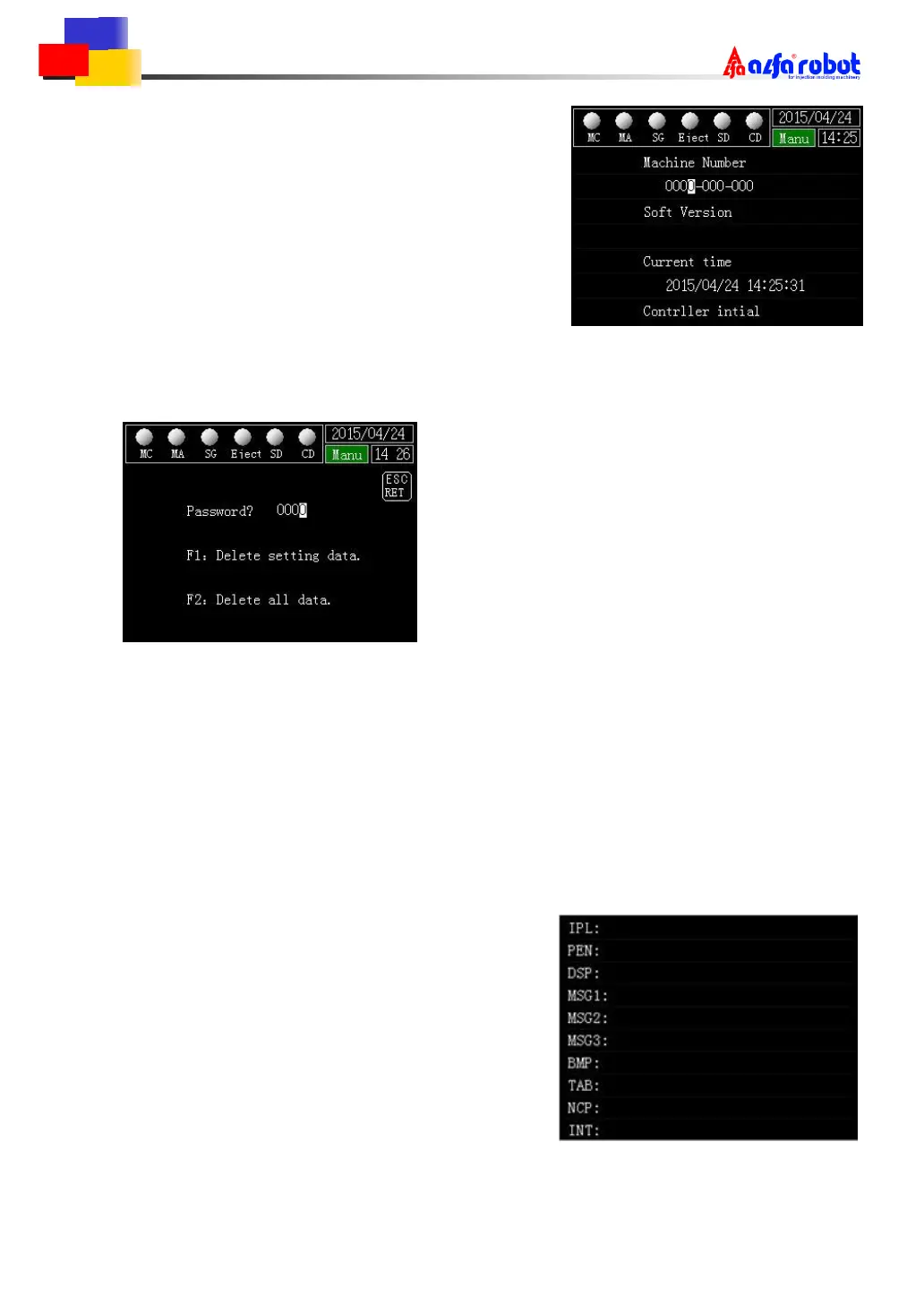
8.5 System Setting 2
Machine number
Enter the machine number.
Soft version
Show the software version.
◆ Current time
Set the current time.
Some functions can’t be used if you input the wrong time.
Controller initial
When the cursor is on this page,press [+][-] to jump to the screen below.
Press [ESC] to return to the last screen.
Enter the password and press [F1] or [F2] to start the controller initialization.
〔 F1 〕
Initialize the current setting.
〔 F2 〕
Initialize the current and 24 document data.
When initializing,it shows initializing reminder on the screen.After that,it returns back to
the system setting 2 screen.
8.6 Program Version
It shows the version of each part of the program.



 To Next Page