7.4 Step Action
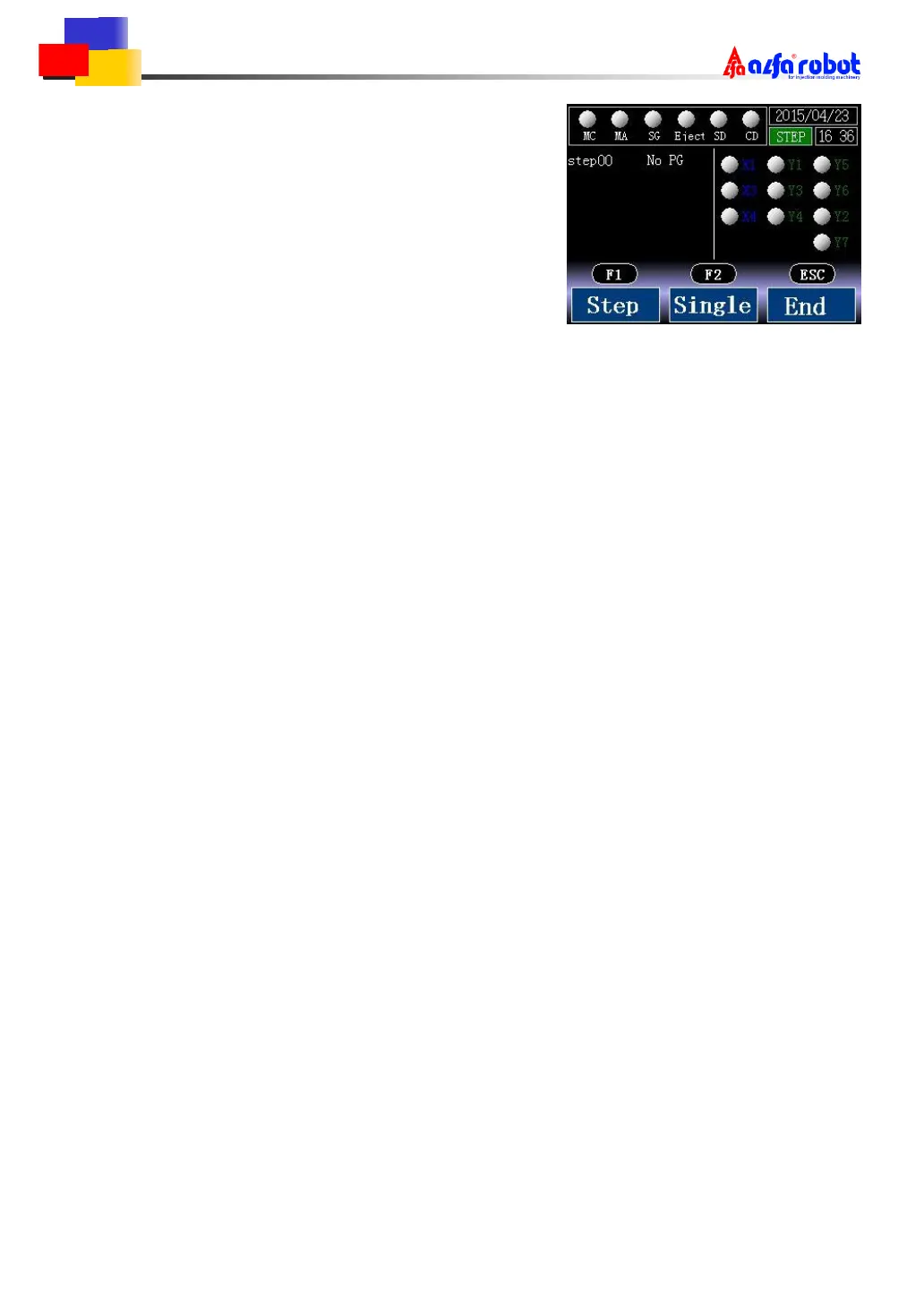
On the right side is step action screen.
The screen is divided in two: processing STEP
and each I/O status.
Please make sure the mould is open and the safety door is open before the step action.
Press F1 to start step action. All the step besides [mould complete] and [mould safety] is set to
stop.
Press F2 to start single cycle action. Action continues from the step now to the step [mould
complete].
Press ESC to end step action. After the end of one step action, it restarts at the first step of the
program.



 To Next Page