EasyManua.ls Logo

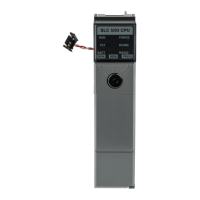
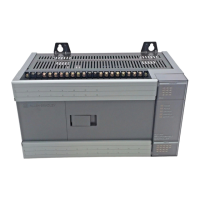
Allen-Bradley SLC 500 - User Manual

Allen-Bradley SLC 500
294 pages
Print Icon
To Next Page IconTo Next Page
Loading...
SLC 500 Modular
Hardware Style
Catalog Numbers
1747-L511, 1747-L514, 1747-L524,
1747-L531, 1747-L532, 1747-L533,
1747-L541, 1747-L542, 1747-L543,
1747-L551, 1747-L552, 1747-L553
User Manual

Table of Contents

Other manuals for Allen-Bradley SLC 500

Questions and Answers

  • P
    Paul KimJul 27, 2025
    What to do if Allen-Bradley I/O Systems Module Status LED is On and Channel Status LED is Flashing?
    • A
      April GriffinJul 27, 2025
      If the Module Status LED is On and the Channel Status LED is Flashing, the module has detected an open-circuit condition, under-range condition, or over-range condition. Examine the error bits in the status word: if bit 12=1, the input has an open circuit; if bit 13=1, the input value is under range; if bit 14=1, the input value is over range; if bit 15=1, the channel has a diagnostic channel error.
  • S
    Scott RodriguezAug 5, 2025
    What to do if Allen-Bradley I/O Systems Module Status LED is Flashing?
    • J
      Jennifer EwingAug 5, 2025
      If the Module Status LED is Flashing, check jumper 1 position, as the jumper may be in the wrong position.
  • W
    William CollinsAug 15, 2025
    How to fix Allen-Bradley I/O Systems Module Status LED if it is Off?
    • K
      karawintersAug 15, 2025
      Cycle the power. If the condition persists, call your local Allen-Bradley distributor for assistance. Alternatively, no action may be required.

Allen-Bradley SLC 500 Specifications

General IconGeneral
Programming SoftwareRSLogix 500
Communication PortsRS-232, DH-485, DH+
Power Supply120/240V AC or 24V DC
Programming LanguagesLadder Logic
Operating Temperature0°C to 60°C (32°F to 140°F)
Relative Humidity5% to 95% (non-condensing)
Memory4K to 64K words (depending on the processor)

Related product manuals