English
118
Audio Processor
Operation (Optional)
Adjusting Listening
Position
25
34
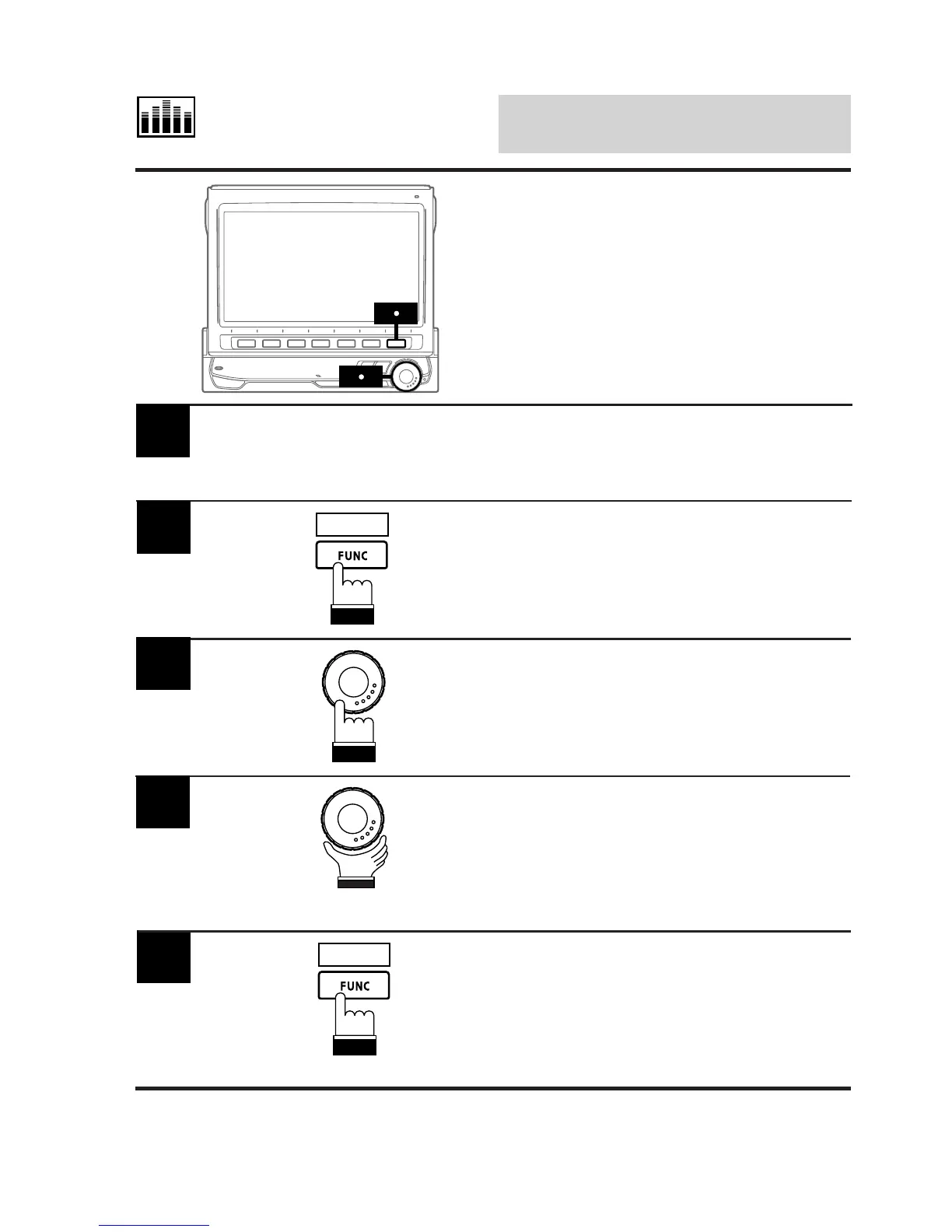
Activate the L.P.S. mode and select the
listening position you wish to adjust by referring
to "Selecting Listening Position" section.
1
Press and hold the FUNC (RETURN) button for
at least 2 seconds.
The display changes to the L.P.S. adjustment
mode.
2
RETURN
Press the rotary encoder and select "F/R"
(Front/Rear) or "L/R" (Left/Right) you wish to
adjust.
3
4
Rotate the rotary encoder to adjust to the
desired listening position.
When the rotary encoder is rotated in the F/R
mode, the ball pointer moves forward or
backward, and when it is rotated in the L/R
mode, the ball pointer moves to the left or right.
When adjustment is complete, press the FUNC
(RETURN) button.
The display returns to the L.P.S. mode screen.
5
RETURN



 To Next Page