English
88
DVD/Video CD/
CD Player Operation (Optional)
1
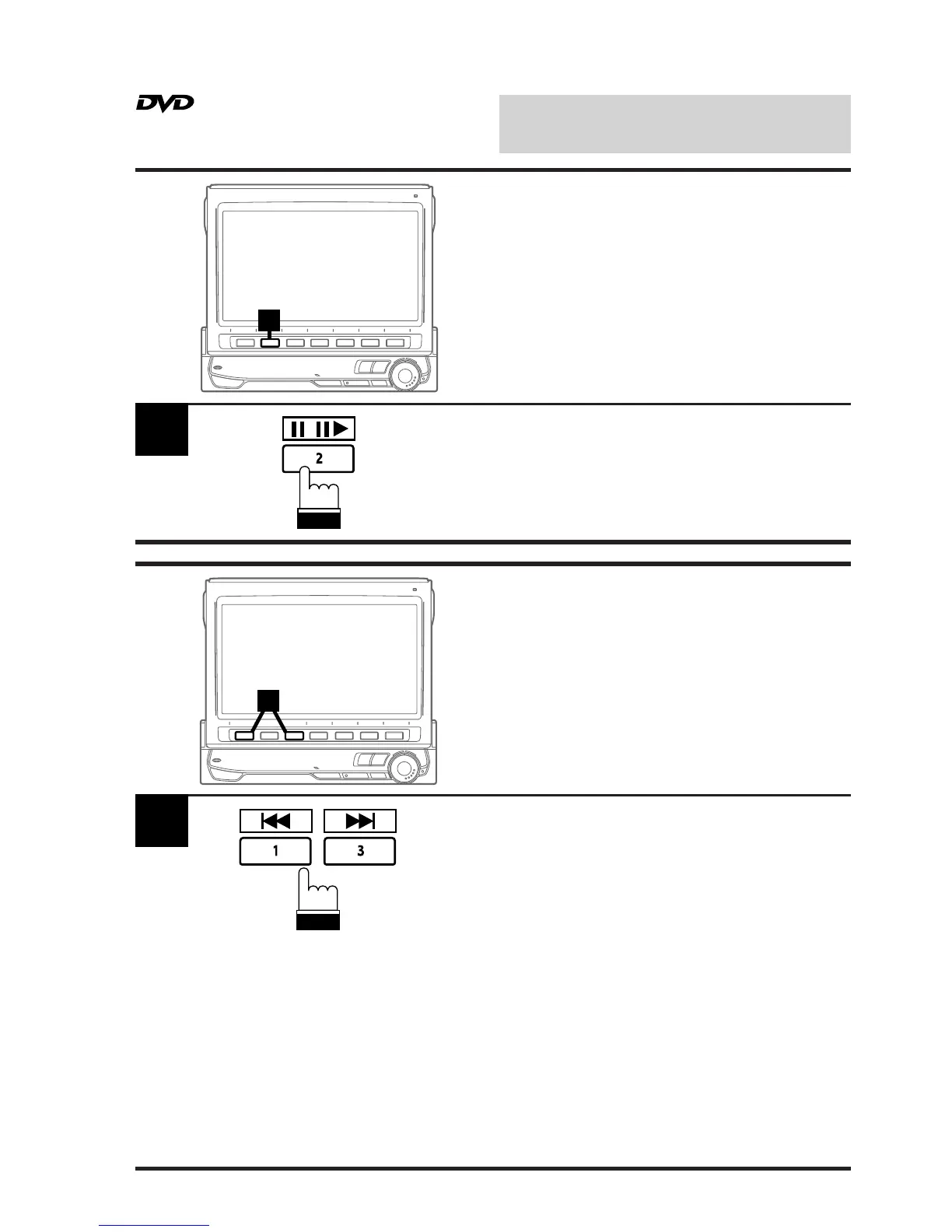
Press the 2 (J/J:) button during DVD/video
CD/CD play to freeze frame or pause. To
resume normal play, press the 2 (J/J:)
button for a second time.
1
/
1
Lightly press the 1 (g) or 3 (f) button
during DVD/video CD/CD play to return to the
beginning of the chapter/track being currently
played or advance to the beginning of the next
chapter/track respectively.
Note: The word "chapter or track" means a
division of the recorded picture/sound
on a DVD/video CD/CD respectively.
1
Still/Pause
Chapter (DVD)/Track
(Video CD) Sensor



 To Next Page