English
172
Other Useful
Features
4 2
3
1
Setting Visual Mode
For direct access to the different visual screens,
preset the Navigation or the V. SEL mode. You
can then display the screen of the preset item
by just pressing the NAVI. or DISP button on
the CVA-1005.
Note: After carrying out the steps 1 to 3 of "To
display the initialization mode screen"
described on page 154, perform the
operation show below.
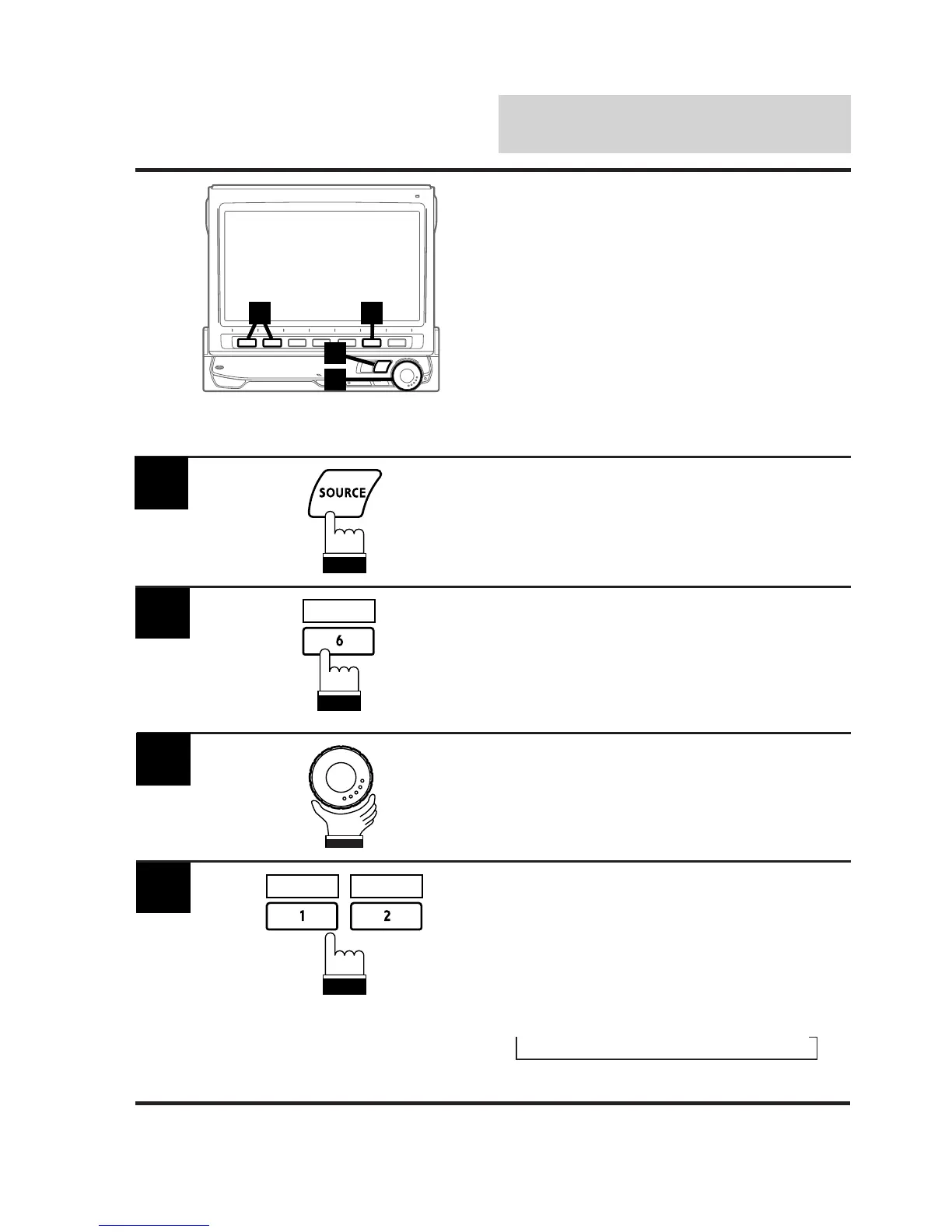
Press the SOURCE button.
The main menu screen appears on the display.
1
Press the 6 (INTLZ) button.
The Initialization mode screen appears.
2
Rotate the rotary encoder and select "VISUAL."
The Function Guide is displayed.
3
4
NAV. V.SEL
INTLZ
Press the 1 (NAV.) or 2 (V. SEL) to preset
the desired item.
• When "NAVI" is preset: Pressing the NAVI.
button directly switches to the navigation
screen.
• When "V. SEL" is preset: Each press of the
DISP. button switches the modes;
→
NAVI.
→
AUX1
→
AUX2
→
DISPLAY



 To Next Page