English
90
DVD/Video CD/
CD Player Operation (Optional)
1
1
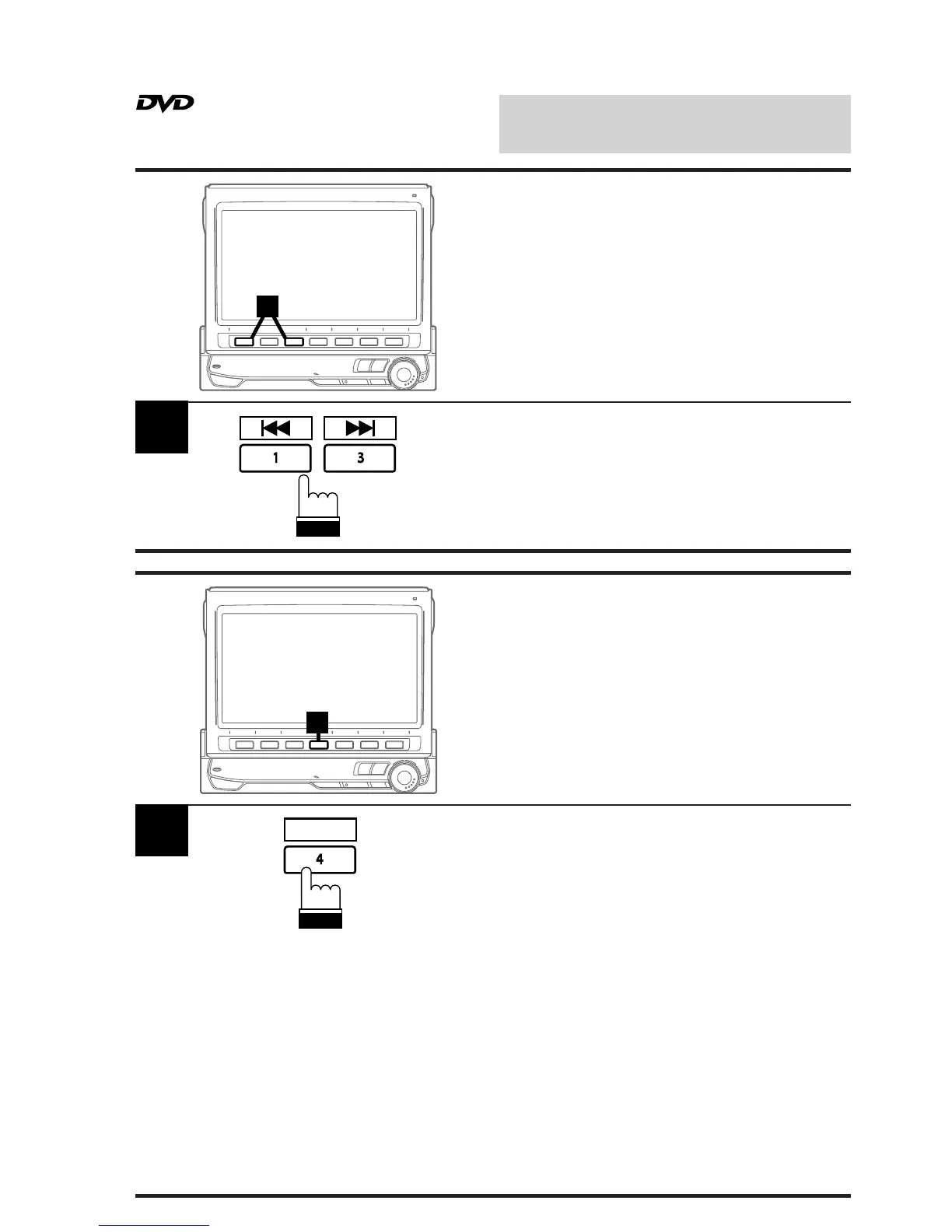
Press and hold the 1 (g) or 3 (f)
button during play to fast backward or forward
respectively. Release the button when you
reach the desired portion you wish to play.
Playback starts from that portion.
Fast Forward/Backward
1
1
Press the 4 (REPEAT) button during play to
repeatedly play the chapter/track or title/disc
being currently played.
Each press changes the repeat play as follows:
DVD:
Chapter Repeat Off
(repeat play) (normal play)
Video CD/CD:
Track Disc
(repeat play) (repeat play)
Note:
The track/disc repeat modes cannot be used on
video CDs with playback control (PBC). Press
"MENU" to turn the PBC function off. For more
details, see the operating instructions of your
DVD player.
REPEAT
Repeat Play
↔
↔



 To Next Page