42
English
Radio Operation
2
1
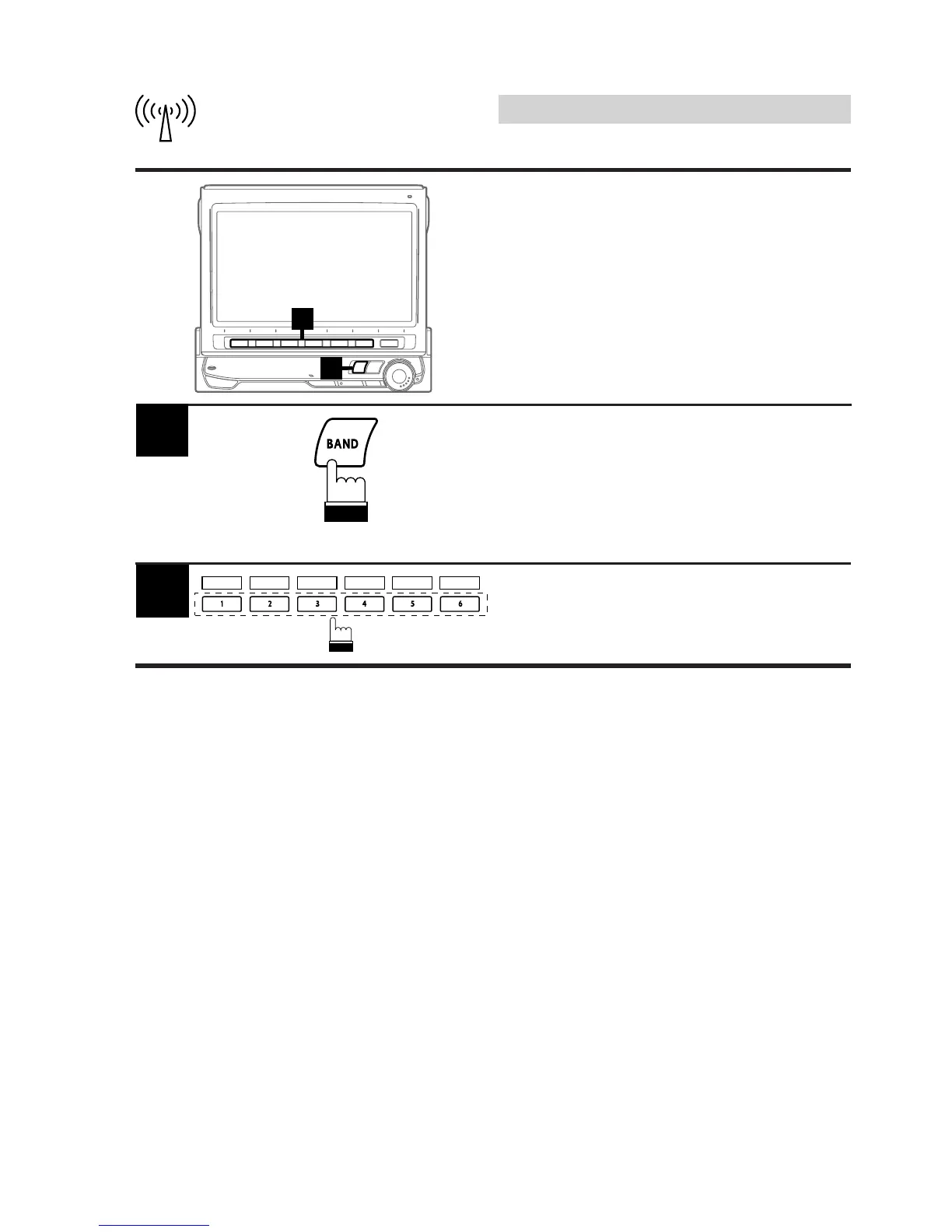
Press the BAND button in the radio mode to
choose the desired radio band.
Each press changes the radio bands.
Note: To select the D.A.P. band, press the 4
(D.A.P.) button.
1
Tuning to Preset Stations
You can tune in the preset stations in memory
on each band using the Function buttons.
Press the Function button 1 (P.SET1) through
6 (P.SET6) that has your desired preset
station in memory. The preset station is
received.
2
P.SET 1 P.SET 2 P.SET 3 P.SET 4 P.SET 5 P.SET 6



 To Next Page