English
158
Other Useful
Features
4 2 5
3
1
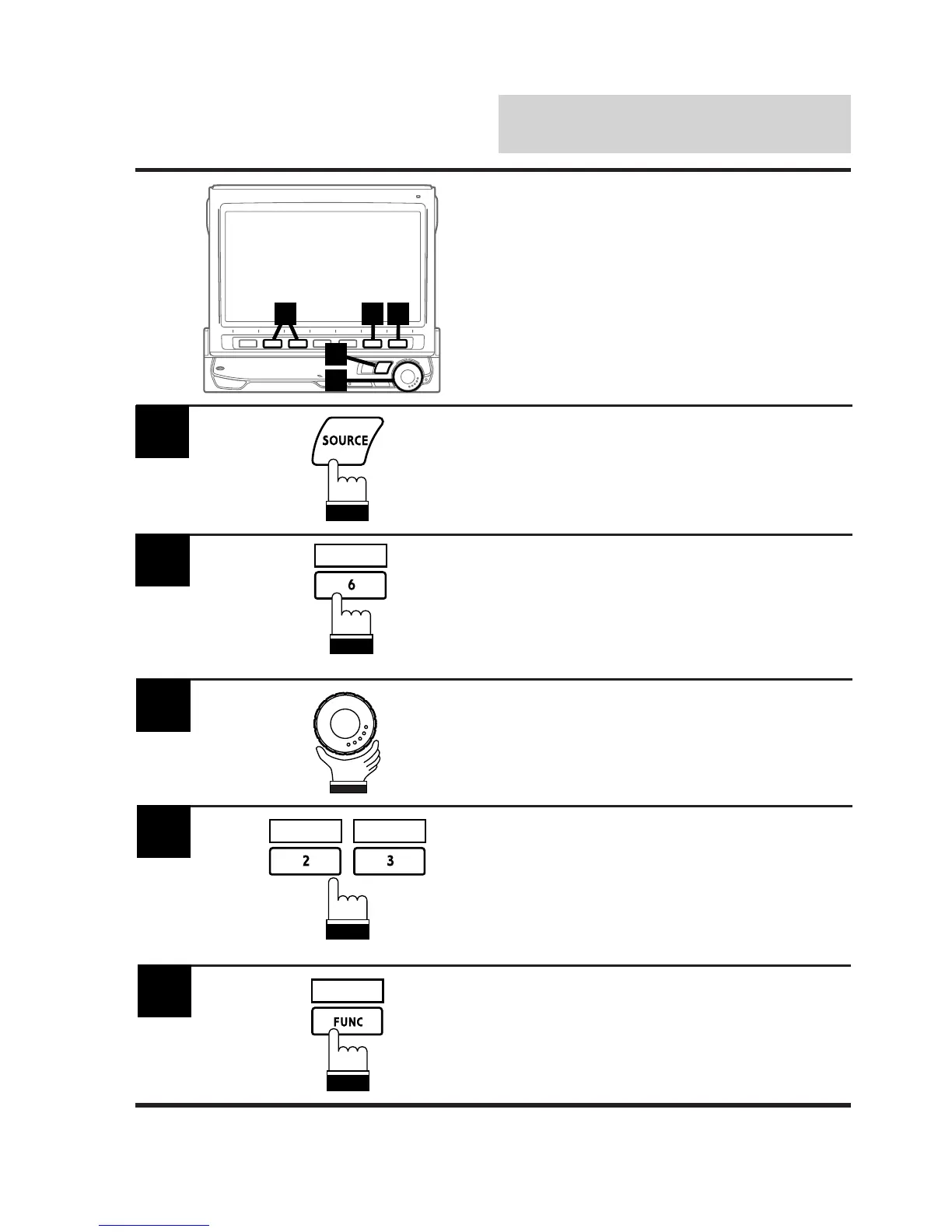
Press the SOURCE button.
The main menu appears on the display.
1
Press the 6 (INTLZ) button.
The Initialization mode screen is displayed.
2
Rotate the rotary encoder and select "Sub Wf."
The Function Guide is displayed.
3
Press the 2 (0°) or 3 (180°) button to switch
the phase of the subwoofer output.
To turn off this function, press the 1 (OFF)
button.
4
0° 180°
INTLZ
Switching Phase
Use the phase-switching function after connect-
ing your audio-processor, amplifier and
subwoofer to the CVA-1005.
Note: After carrying out the steps 1 to 3 of "To
display the initialization mode screen"
described on page 154, perform the
operation show below.
When setting has been completed, press the
FUNC (RETURN) button.
The display returns to the main menu screen.
5
RETURN



 To Next Page