22
English
1
Basic Operation
1
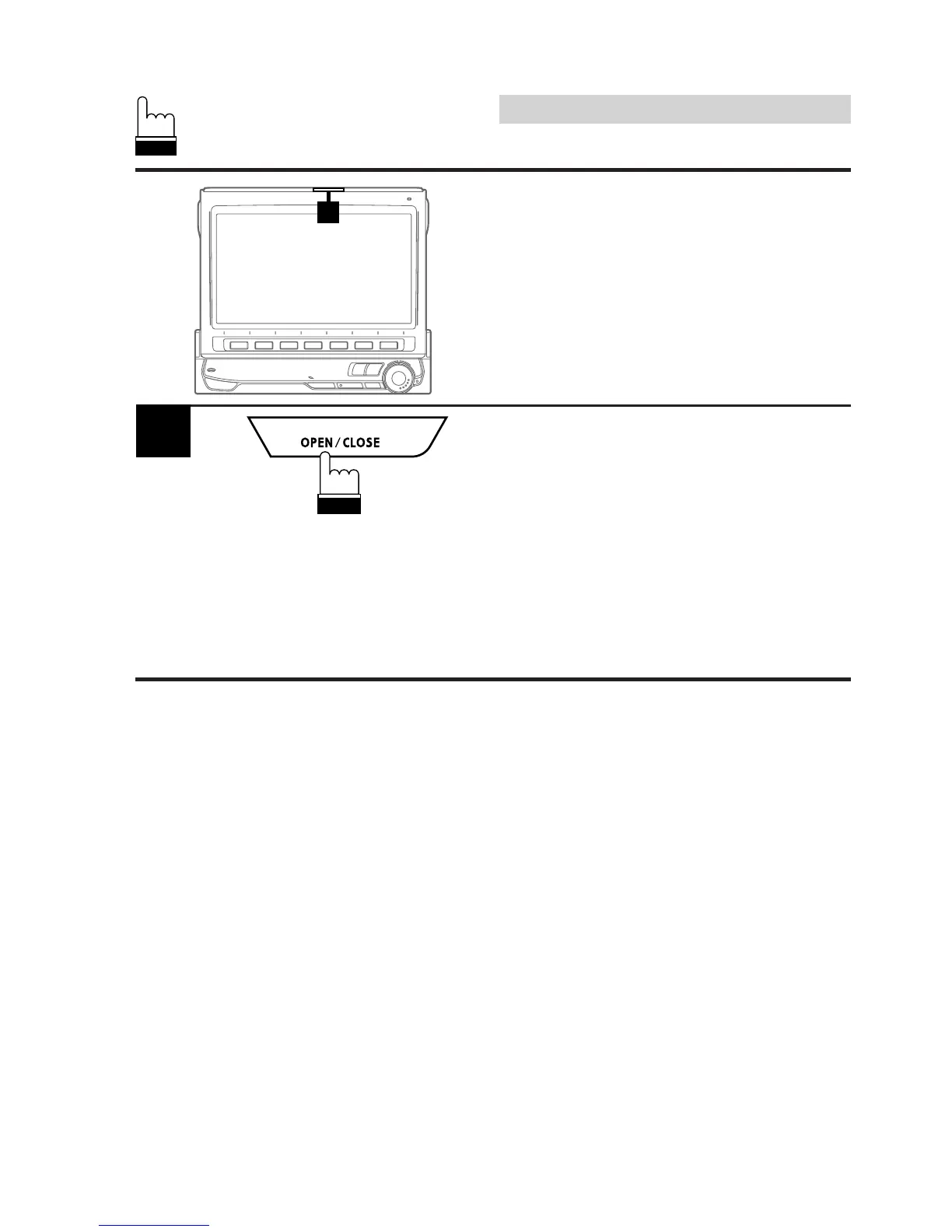
Press the OPEN/CLOSE button.
The unit will beep 3 times and lower the monitor
automatically.
Note: If the monitor touches an obstacle while
it is being lowered, the unit will stop
lowering the monitor immediately.
Should this occur, remove the obstacle
and press the OPEN/CLOSE button
again to lower the monitor.
Lowering the Monitor
Note: The CVA-1005 is a device of precision.
Please gently handle it to enjoy its
excellent capabilities for a long time.



 To Next Page